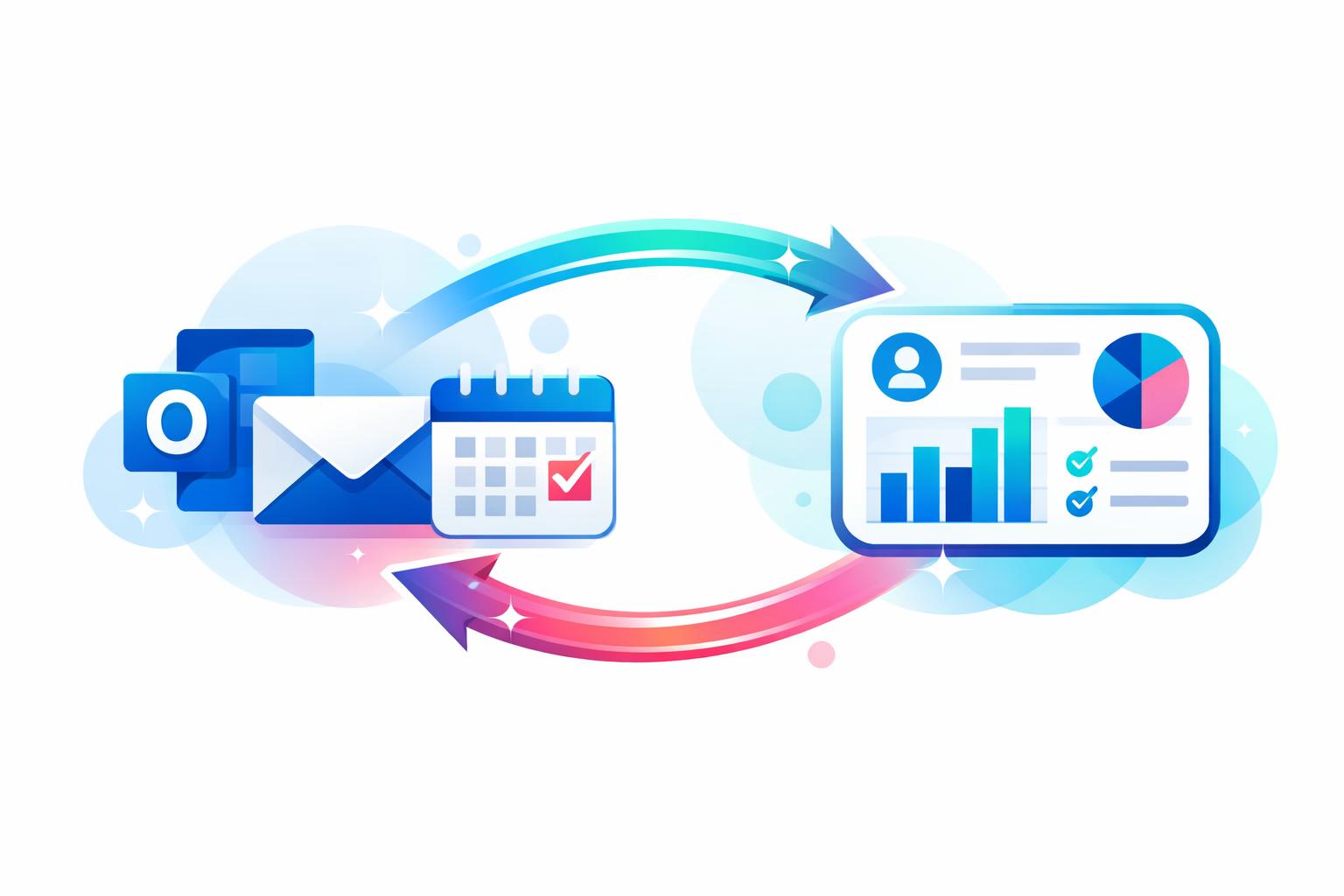
Keeping your CRM data current is one of the biggest challenges for growing sales teams. When every email, meeting, and follow-up relies on manual updates, your CRM quickly drifts out of sync with reality. Automatic email and calendar sync solves this friction by logging communication directly from Outlook — no extra effort required. In this post, we’ll explore how MainFoundry’s Outlook integration automates CRM updates, why that matters for accuracy and productivity, and how teams can gain reliable reporting without adding administrative burden.
How Outlook Email and Calendar Sync Remove Manual CRM Work
For most sales teams, daily work happens inside Outlook — sending emails, scheduling meetings, following up on leads. The trouble starts when those interactions never reach the CRM. Manual methods like BCC addresses or browser extensions rarely hold up. MainFoundry eliminates the gap by integrating directly with Microsoft Graph, ensuring every email and calendar update syncs automatically.
When a rep sends or receives an email, it’s instantly matched to the correct contact or opportunity within the CRM — based on recipients and domains — and added to the activity timeline. Similarly, meeting invitations and updates in Outlook appear as CRM meetings tied to the relevant company record. Reschedules, cancellations, and attendee adjustments all sync in real time. The result is that your timeline reflects the entire conversation history, not just what someone remembers to log.
“When every email and meeting flows into the CRM automatically, reporting stops being guesswork and starts reflecting real activity.”
This automation also strengthens team visibility. Whether it’s a manager reviewing deal progress or a teammate stepping in to cover a client call, everyone can see the complete interaction history at a glance. That’s the difference between a disconnected record and a truly unified CRM system inside MainFoundry — one that supports collaboration instead of slowing it down.
Why Automatic Email and Calendar Sync Matters for Small Sales Teams
For teams with fewer than fifty people, every minute spent logging activities in the CRM competes with selling or customer engagement. Automatic sync gives that time back while improving accuracy. The benefits go far beyond convenience — they ripple across functions like marketing, finance, and leadership. When CRM activity reflects what’s really happening, marketing can measure true engagement, finance can anticipate deals nearing close, and managers can review account health without chasing updates.
MainFoundry builds on this foundation through workflow automation and integrations. For example, synced Outlook meetings can trigger follow-up tasks in custom workspaces, or surface summaries and insights using the AI Assistant. Since synced data is already structured, automation becomes reliable instead of fragile.
Pro Tip: Choose CRM integrations that use trusted APIs, like Microsoft Graph, to maintain security and compliance while automating email and calendar data sync.
Beyond technical reliability, the cultural benefit is clear. Teams spend less time updating records and more time building relationships. Forecasts become meaningful because they’re based on live engagement data instead of assumptions. In short, the CRM finally becomes a system that supports the team — not another chore on the checklist.
Key Takeaways
- Automatic email and calendar sync keeps CRM data accurate without manual input
- Outlook integration ensures activity timelines are complete and real-time
- Teams gain shared visibility, better collaboration, and reliable reporting
- Workflow automation and AI features in MainFoundry add depth to synced data
- Accurate CRM data helps small teams sell smarter and forecast with confidence
Related Reading
Explore more on streamlining your CRM operations in CRM System Integration.
If your CRM still depends on manual updates, consider mapping where your communication happens. For most teams, that’s Outlook. Implement automatic sync that connects directly to contacts and deals and let data stay current by default. Learn more at MainFoundry.com or reach out via contact page to explore how seamless Outlook sync can transform your workflow.