Category: Features

  • Dark Social in B2B SaaS Attribution Best Practices

    Dark Social in B2B SaaS Attribution Best Practices

    If you’ve ever wondered why so much of your B2B SaaS pipeline shows up as “direct” or “organic” even when you know that podcasts, community mentions, or LinkedIn DMs sparked the deal, you’ve encountered dark social. These invisible interactions—chats, shares, or recommendations that analytics can’t trace—distort how marketers see performance and allocate resources. This article explores what dark social looks like in B2B SaaS, why analytics alone can’t fix the attribution gap, and how a hybrid approach combining tracking data with self‑reported attribution gives a more accurate view of real demand.

    What Dark Social Looks Like in B2B SaaS

    In collaborative B2B buying, conversations don’t start on a landing page—they begin in private. A RevOps leader might drop a vendor link into a Slack thread, a CEO may forward a podcast episode to their leadership team, or someone quotes your brand in a niche community. Days later, that same prospect Google searches your company name and books a demo. In analytics, the credit lands under “Organic Search,” but the buying influence happened long before in spaces you can’t track.

    As privacy measures expand and more activity shifts inside closed apps, this gap between measurable and actual influence keeps growing. The result? Demand creation channels—brand, content, and community—look less effective than they are, pushing marketers toward short‑term tactics that produce visible clicks but less meaningful impact. Understanding this reality reframes attribution not as a data gap to eliminate but a visibility challenge to manage intelligently.

    “Much of your true demand creation happens in private conversations that analytics can’t see—but your buyers can feel.”

    Why Analytics Alone Falls Short

    Traditional analytics models rely on referrers, cookies, and click paths. But dark social behaviors remove those signals entirely. When a buyer copies a link from Slack or opens it inside a secure mobile app, the trail breaks. Multi‑touch models can’t fix this—they still depend on detectable events. That’s why CRM data often skews toward “Web – Direct,” even when sales reps hear stories about how podcast mentions or community threads influenced the deal.

    To close the gap, modern teams adopt a hybrid approach. Quantitative analytics still matter—they show behavioral intent—but pairing that with self‑reported attribution reveals context that data alone misses. Platforms like MainFoundry make this easier by allowing B2B marketers to capture answers to “How did you hear about us?” and integrate them alongside web and CRM data. This unified view allows teams to see when analytics mark deals as “Direct,” yet respondents consistently mention podcasts or Slack communities as the real first touch.

    Pro Tip: Embed “How did you hear about us?” fields on demo forms and store responses directly in your CRM to uncover unseen sources of pipeline influence.

    By correlating these self‑reported insights with analytics data, marketers move from chasing “full visibility” to designing for decision‑grade clarity. You may not see every click, but you can capture enough truth to allocate budget effectively and support what actually drives awareness.

    Key Takeaways

    • Dark social explains why so much B2B SaaS pipeline appears as direct or organic when it’s actually driven by invisible peer sharing and private referrals.
    • Analytics tools are essential but insufficient for understanding the full buyer journey across fragmented, private channels.
    • Self‑reported attribution captures the qualitative “why” behind decisions, bringing unseen influence into measurable data.
    • Adopting a hybrid model that blends tracking analytics with self‑reported input yields a truer picture of demand creation.
    • Platforms like MainFoundry unify CRM, marketing, and attribution data so teams can act on dark social insights with confidence.

    Related Reading

    Explore B2B Attribution Models Explained for a deeper understanding of tracking approaches and how to complement them with qualitative insights.
  • B2B SaaS Content Marketing System That Drives Revenue

    B2B SaaS Content Marketing System That Drives Revenue

    For B2B SaaS companies, publishing endless blog posts isn’t enough to drive growth. What truly works is building a repeatable content marketing engine—a system that attracts qualified buyers, nurtures their evaluation process, and connects content directly to pipeline and revenue. This guide explores how to design that system from the ground up, including strategic planning, effective content formats, distribution, and measurement tied to ROI.

    You’ll learn how successful SaaS teams treat content as infrastructure, not a side project, and how platforms like MainFoundry integrate CRM, analytics, and attribution to reveal exactly which assets drive business outcomes.

    Build Strategy Tied to Revenue, Not Traffic

    The common pitfall in B2B SaaS content marketing is optimizing for keywords without understanding buyers. High traffic from irrelevant audiences rarely turns into customers. Start instead by analyzing existing customers and recent deals to uncover patterns in buyer roles, company size, triggers, and objections. This creates a foundation rooted in actual revenue behavior rather than vanity metrics.

    Next, define a small set of content pillars aligned with how buyers evaluate your product category. Strong pillars cover topics like problem education, solution comparison, ROI justification, and workflows that show real-world use cases. Each pillar should map directly to a measurable goal—whether it’s generating demos from your ICP or speeding up in-progress deals.

    Once priorities are clear, choose channels based on buyer research. B2B audiences typically rely on search, LinkedIn, professional communities, and trusted review sites. Focusing efforts on a few of these consistently creates stronger awareness than spreading thin across every platform. Using tools like MainFoundry’s unified CRM and marketing platform helps connect topics and assets directly to contacts and opportunities, grounding strategic choices in actual pipeline data.

    “A winning content strategy doesn’t start with keywords—it starts with customers and the data that connects them to revenue.”

    Create Formats That Move Buyers Through the Funnel

    Once strategy is in place, format selection becomes clear. The best B2B SaaS content engines mix demand generation with sales enablement. Comparison content, such as “Your Product vs. Competitor” guides, performs strongly at the bottom of the funnel because it’s aligned to buyer intent. Transparent pros and cons supported by real examples build credibility and influence deals even when not the final touchpoint.

    How-to guides and playbooks support the middle of the funnel by helping prospects solve concrete problems while subtly positioning your product as part of the solution. The most effective ones show both generic approaches and product-powered workflows. Data benchmarks and original research add another layer—establishing authority and credibility while earning organic visibility and backlinks over time.

    Supporting assets like case studies, walkthroughs, and templates then round out the experience. When linked together with clear calls-to-action and internal navigation, they naturally guide buyers from awareness to decision. Integrating analytics tools such as MainFoundry’s marketing analytics and attribution helps you see how each format contributes across long sales cycles, from first touch to deal close.

    Pro Tip: Plan promotion alongside production. Building your distribution plan early ensures content doesn’t stall after launch and keeps the engine running continuously.

    Measure Content ROI with Trusted Attribution

    Modern SaaS leaders care less about pageviews and more about pipeline impact. Effective teams tag each asset with metadata—pillar, format, funnel stage, and target ICP—then map journeys across anonymous visits, demos, and closed deals. Adopting multi-touch attribution models uncovers how content assists conversions even when it’s not the last touchpoint.

    Using tools like MainFoundry’s AI-powered analytics platform consolidates behavior, CRM, and conversion data. This single view lets marketers measure which topics influence qualified deals, shorten cycles, or increase expansion revenue. Over time, this forms a continuous feedback loop—top-performing content gets expanded or repurposed, while underperforming pieces evolve or retire.

    When content is tied to revenue, leadership alignment increases—and so does investment in marketing.

    Key Takeaways

    • Treat content as a system, not a series of disconnected posts.
    • Let buyer insights and revenue goals drive your content pillars.
    • Focus on comparison, how-to, and data-backed formats that support buying decisions.
    • Design distribution alongside production for consistent reach and results.
    • Measure impact with multi-touch attribution linked to pipeline, not just traffic.

    Ready to transform content into a predictable growth engine? Explore how MainFoundry unifies CRM, analytics, and attribution—or start a conversation at MainFoundry Contact to see the platform in action.

  • Conversion Tracking for SaaS Websites That Drives Revenue

    Conversion Tracking for SaaS Websites That Drives Revenue

    Many SaaS teams collect abundant visitor data but still struggle to understand which interactions actually drive revenue. This post explores how conversion tracking for SaaS websites can evolve from simple form counting to a comprehensive system that connects marketing and sales. You’ll learn how defining real conversion events, mapping visitor journeys, and automating CRM data flow lead to better decisions and faster growth. By the end, you’ll see why unified platforms like MainFoundry turn tracking into a true revenue driver.

    How Conversion Tracking for SaaS Websites Should Actually Work

    Effective SaaS conversion tracking begins with clear intent. Not every click matters equally—teams must identify which actions truly signal buying interest, such as demo requests, pricing interactions, or qualified contact submissions. Defining conversions based on sales process alignment ensures your metrics reflect real momentum, not noise.

    Once conversion events are established, tracking should reveal how visitors journey from discovery to sign-up. Understanding where they originate, which pages they engage with, and what triggers their decision provides vital context. Without that journey view, conversion data sits isolated—numbers without narrative.

    Platforms like MainFoundry unify marketing analytics and CRM attribution, enabling marketers and sales to view shared timelines where campaigns and behavior connect directly to conversion events. Instead of juggling spreadsheets, teams gain one cohesive source of truth for conversion insights.

    “When SaaS conversion tracking connects campaigns, visitor journeys, and CRM activity in one view, analytics stop being reactive and start driving strategy.”

    Comparing conversion rates by source then becomes meaningful. For example, teams might discover organic visitors convert more slowly but yield higher-quality leads, while paid campaigns bring volume but less engagement. This context clarifies where marketing dollars should go and which stories resonate most effectively.

    Turning Conversion Data into Sales Momentum Automatically

    Many SaaS companies lose valuable time after conversion events. Once leads fill out forms, their data often sits untouched until someone manually transfers it to the CRM. That delay costs both context and opportunity. The moment of engagement is crucial, and speed matters for follow-up success.

    Modern systems should automatically feed enriched conversion data—complete with source, campaign, and visitor history—directly into your CRM. With MainFoundry’s unified CRM, sales teams receive instant insight into why each lead converted and what messaging triggered interest, removing manual friction and enhancing response agility.

    Connecting conversions to pipeline data also strengthens forecasting. Over time, patterns emerge showing which conversion types lead to actual deals, not just sign-ups. This feedback loop ensures your tracking system evolves with your business, focusing optimization on events that deliver measurable revenue.

    Real growth happens when data and automation turn conversions into immediate, informed sales actions.

    Furthermore, AI-enabled systems like MainFoundry’s AI-powered business platform take conversion tracking beyond analytics. These workflows summarize trends, detect drop-offs, and automatically assign follow-up tasks based on observed behavior. Instead of reacting to dashboards, teams receive proactive signals that highlight where to focus effort.

    Pro Tip: Automate CRM integration the moment a conversion happens—timely context improves sales responsiveness and preserves customer intent.

    Key Takeaways for SaaS Teams

    • Track conversion events that reveal true buying intent, not surface-level engagement.
    • Map the full visitor-to-lead journey to add meaning and context to your metrics.
    • Use unified systems to measure conversion rates by source and understand funnel progression.
    • Automate CRM data integration for faster, more contextual sales follow-up.

    Related Reading

    Explore more on optimizing SaaS demand generation in Marketing Attribution for SaaS Growth for complementary insights.

  • Email Marketing Benchmarks for B2B SaaS in 2026

    Email Marketing Benchmarks for B2B SaaS in 2026

    Email continues to be the powerhouse of B2B SaaS marketing in 2026. Whether it’s onboarding new users, nurturing leads over long buying cycles, or driving product upgrades, teams still rely on email for measurable, repeatable results. But success depends on context—on knowing whether your open, click, and conversion rates are competitive for your campaign type and audience maturity. This post dives deep into the latest email marketing benchmarks for B2B SaaS 2026, showing how modern teams measure performance through CRM, product, and revenue data rather than vanity metrics alone.

    What “good” looks like in B2B SaaS email performance

    In 2026, B2B SaaS email benchmarks outpace most cross‑industry averages thanks to smaller, more defined audiences and behavior‑driven messaging. For engaged users—like trial participants or paying customers—open rates typically fall in the mid‑20s to low‑30s, often exceeding that through smart automation and precise segmentation.

    Click‑through rate (CTR) remains the more trustworthy performance signal. High open rates don’t guarantee relevance, while a low click‑to‑open rate often flags content misalignment. In strong SaaS programs, CTRs hover in the low single digits for marketing emails, but targeted lifecycle messages commonly double those levels. Unsubscribe rates below 0.25% per send indicate healthy list engagement, while bounce rates above 1% usually mean it’s time for a list cleanup.

    Breaking benchmarks down by campaign type is essential. Welcome and onboarding emails often exceed 50% open rates, driven by strong user intent, while feature updates and educational newsletters align more closely with general SaaS averages. Cold outbound campaigns still yield acceptable open performance but lower engagement metrics, which should instead be tied to pipeline progression metrics tracked in your CRM.

    “The smartest teams don’t measure email campaigns against a single global average—they connect their analytics to CRM and revenue outcomes for context.”

    Platforms such as MainFoundry make this approach possible by combining CRM, marketing analytics, and attribution data. Once open, click, and conversion metrics link directly to contacts, accounts, and lifecycle stages, benchmarks evolve from static references into actionable insights.

    Benchmarks by campaign type and how to measure them

    Different campaigns serve different funnel stages, making performance comparisons across types misleading. Welcome and onboarding flows continue to outperform every other email category, regularly showing more than 50% opens and double-digit click‑throughs. When engagement dips, timing and sender identity often matter more than design or copy tweaks.

    Behavioral sequences tied to product actions typically follow closely behind. Because these are triggered by in‑app behavior, they provide deep insight into product adoption when linked with marketing analytics inside MainFoundry’s marketing platform. Teams can then identify which specific emails move users closer to key actions or feature engagement.

    Meanwhile, content or educational newsletters maintain steadier long‑term performance. Consistency matters here: open rates in the mid‑20s or low‑30s, stable unsubscribes, and gradual CTR improvement reveal genuine audience alignment. In contrast, lead nurture campaigns bridge marketing and sales, so their success lies in conversion to meetings or demos rather than clicks alone.

    Cold outbound remains its own metric world. Solid open rates show deliverability and subject line strength, but booking meetings or generating pipeline is what truly signals success. When your analytics connect outbound performance to CRM activity—calls, meetings, or deals—you can see which outreach tactics deliver tangible impact.

    Pro Tip: Tie email analytics directly to billing and subscription data to understand the financial effect of upgrade or renewal campaigns without guesswork.

    In every benchmark category, segmentation and trigger‑based logic significantly outperform batch campaigns. This is where AI assistance offers critical support. Tools like the MainFoundry AI Assistant surface underperforming segments early, making proactive optimization far easier for growing marketing teams.

    Key Takeaways

    • Apply email benchmarks by campaign type rather than using broad averages across all communication.
    • Healthy B2B SaaS programs in 2026 typically achieve mid‑20s to low‑30s open rates for marketing emails and significantly higher for onboarding or behavior‑based flows.
    • Watch CTR and unsubscribe rates more closely than opens—they reveal true customer interest and fatigue levels.
    • Evaluate outbound and upgrade campaigns through pipeline metrics, not superficial engagement rates.
    • Integrate email data with CRM, product, and billing tools like MainFoundry for end‑to‑end visibility and more actionable benchmarks.

    If you want to assess how your email campaigns compare to B2B SaaS benchmarks in 2026—and more importantly, how they influence pipeline and revenue—focus on unified analytics. Explore MainFoundry’s full platform at mainfoundry.com or start a conversation via their contact page.

  • Inbound vs Outbound SaaS Strategy for Early Teams

    Inbound vs Outbound SaaS Strategy for Early Teams

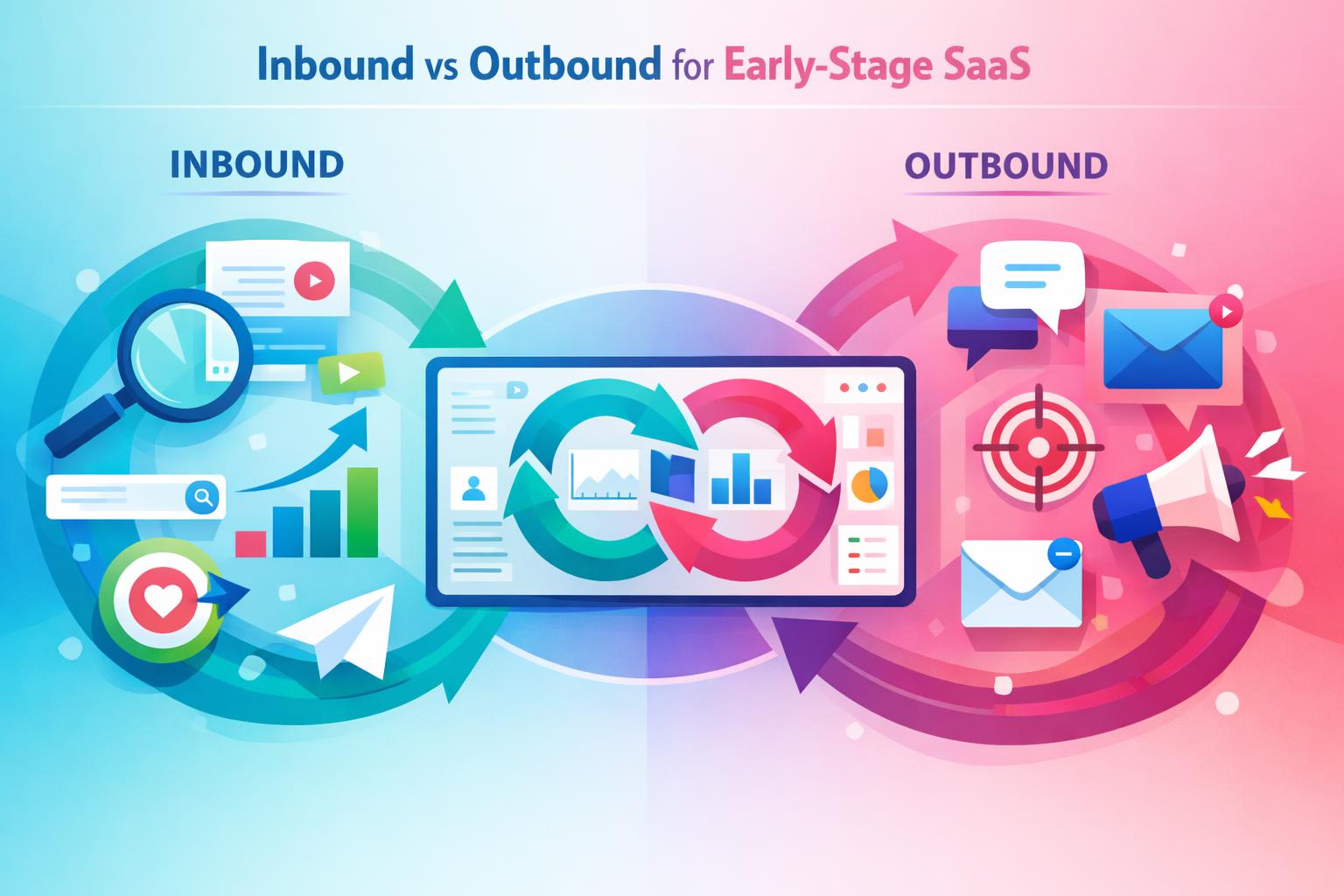
    Early founders often struggle with whether to prioritize inbound vs outbound for early‑stage SaaS. The decision isn’t about ideology; it’s about achieving traction, learning quickly, and maintaining focus. In this post, we’ll break down how each motion behaves in the early stages, how long they take to deliver results, and when to lean into one over the other. You’ll also discover how platforms like MainFoundry can unify your CRM and marketing data to keep both approaches connected and continuously improving.

    Inbound vs Outbound: How Early‑Stage SaaS Teams Learn Fast

    Inbound and outbound aren’t opposing philosophies; they’re distinct feedback loops. Inbound attracts problem‑aware prospects through SEO, content, and thought leadership, while outbound delivers targeted messages to a known audience. For early‑stage SaaS, the difference that matters most is learning velocity — how fast you can discover what resonates.

    Outbound brings quick signals. When founders personally run the first 50 to 100 outreach cycles, real feedback about objections, pricing, or priorities surfaces fast. In contrast, inbound takes longer to compound. It requires consistent effort before visibility or audience trust pays off, but when it does, each new asset reduces your acquisition cost and strengthens your brand foundation.

    “Outbound gives you fast signals and clarity; inbound returns compounding scale once your story is proven.”

    Resource requirements differ as well. Outbound depends on precise data, a narrow ICP, and message testing without damaging deliverability. Inbound demands deep understanding of customer language, requiring you to create content that reflects real conversations. That’s why many early SaaS founders find outbound indispensable for shaping their message before scaling content marketing.

    Tools that unify signals from both sides accelerate learning. When CRM and marketing analytics connect, teams can spot trends across conversations, campaigns, and channels. For example, linking CRM data with marketing analytics ensures insights gained through outbound refine your inbound strategy in real time.

    When to Invest in Inbound or Outbound as You Grow

    Before product‑market fit, outbound should lead. Founder‑led outreach exposes what works, what doesn’t, and which personas convert fastest. A simple landing page aligned with your best email message can outperform a broad blog plan that lacks focus. In this stage, inbound supports rather than drives growth.

    As repeatable success appears, the balance shifts. Now inbound earns its place as the compounding growth engine, carrying lessons from outbound into refined content, comparison pages, and thought leadership. Meanwhile, outbound becomes more surgical—targeting new verticals, higher‑value deals, or quick pipeline opportunities.

    • Outbound delivers immediate feedback and early revenue but scales only as fast as personalization and founder bandwidth allow.
    • Inbound scales sustainably once your positioning is sharp, turning insights into long‑term content equity with lower CAC.
    • Hybrid approaches thrive when insights flow both ways—outbound shapes inbound content, and inbound data improves outbound targeting.

    To make these loops stronger, MainFoundry’s AI platform adds automation and insight to both motions. It can summarize call transcripts, cluster objections, and recommend content topics or messaging tweaks based on real customer language. This evidence‑based approach amplifies every marketing investment and keeps your go‑to‑market engine aligned with what customers actually say and need.

    At Series A stage, strategy shifts from proving fit to scaling efficiently. Inbound becomes the primary demand generator while outbound sharpens into a precision tool. Unified reporting that integrates billing and revenue tracking ensures that top‑of‑funnel growth aligns with retention and payback, preventing inflated vanity metrics.

    Outbound helps you learn faster; inbound helps you scale stronger. The best teams engineer both to work together.

    Key Takeaways

    • Start with outbound when clarity is low — quick conversations reveal your ICP and messaging faster than any dashboard.
    • Support proven outbound messaging with focused inbound assets like targeted landing pages or a few SEO‑backed resources.
    • Shift toward inbound once patterns repeat; let content scale what conversations have validated.
    • Unify data and execution so inbound and outbound inform each other in real time through shared systems.
    • Your goal isn’t choosing forever — it’s choosing what matters most right now and ensuring your tools help you adapt quickly.

    Related Reading

    For deeper insights on GTM alignment, explore building unified marketing analytics workflows or connect with our team at MainFoundry Contact.

  • SaaS Integration Challenges Solutions for Small Teams

    SaaS Integration Challenges Solutions for Small Teams

    For small SaaS companies, integrations often feel like a balancing act between efficiency and fragility. Each new connection promises smoother workflows yet quietly adds complexity and risk. This post explores the most pressing SaaS integration challenges and solutions affecting small teams, from data mismatches and broken sync jobs to Duplicate records and API rate limits. You’ll learn why these issues hit small companies hardest and how adopting unified platforms can reduce integration pain altogether. More importantly, we’ll look at how simplifying architecture helps your team focus on customer value instead of endless maintenance.

    Common Challenges in SaaS Integration

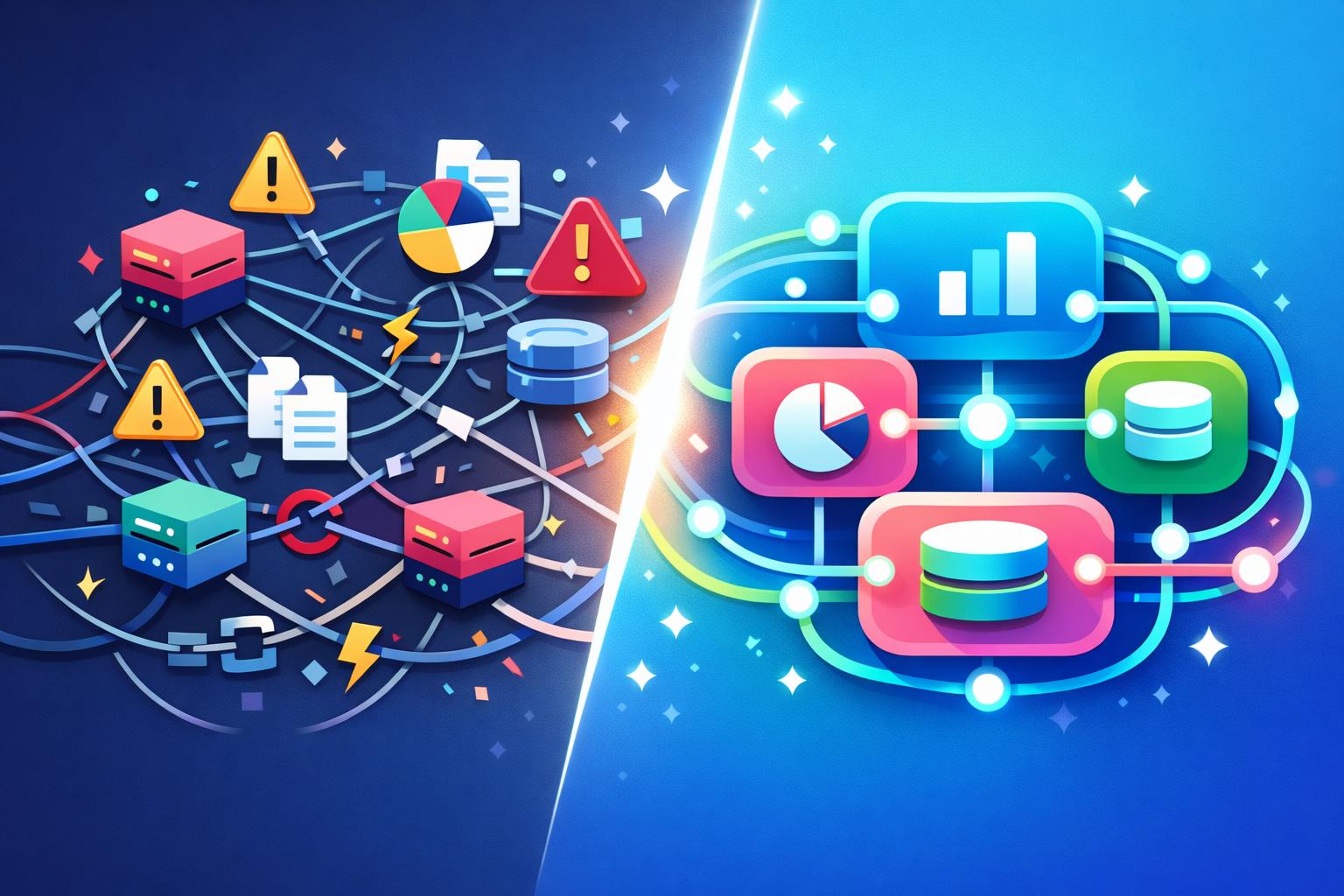
    Small SaaS teams often build integrations reactively—adding connectors as new tools come online. Over time, this piecemeal approach introduces compounding complexity. The most frequent issues include data format mismatches, API rate limits, broken sync jobs, and duplicate records.

    • Data format mismatches between systems lead to failed or partial syncs that quietly corrupt information.
    • API rate limits slow or halt high-volume operations during critical reporting windows.
    • Broken sync jobs—caused by field name changes or expired credentials—can go unnoticed for days.
    • Duplicate records appear when multiple systems create conflicting “sources of truth.”

    These challenges don’t just disrupt operations—they erode trust in metrics and introduce manual cleanup work that drains development time. For example, engineers often write long-term transformation logic to align mismatched schemas, which subtly pulls focus away from product innovation. Furthermore, when sync jobs fail silently, small teams lack the bandwidth to monitor and patch them quickly, compounding downstream errors.

    “Individually manageable, these integration failures collectively create a fragile ecosystem that small SaaS teams struggle to keep stable.”

    Reducing Integration Risk by Design

    The conventional fix for integration problems is layering more tools—middleware, monitoring scripts, or automation workflows. While these can help short term, they don’t eliminate fragility. The better solution is designing infrastructure that reduces the need for integrations altogether.

    Unified platforms address the root cause: fragmentation. When CRM, marketing, and finance data live in the same schema, mismatched formats vanish. Systems such as MainFoundry’s unified CRM and contact management provide consistent identifiers across departments—no field mapping required. Similarly, API rate limits become less punishing when fewer external calls are made; consolidated systems handle data internally, ensuring reliable performance.

    When integrations depend on third-party updates, stable operation becomes impossible. Platforms that control the entire data lifecycle—like MainFoundry’s centralized model—avoid broken syncs stemming from external changes. And because marketing, sales, and billing reference shared records, duplication largely disappears. A connected view combining marketing analytics and attribution with CRM data simplifies reporting across teams.

    Custom workspaces add further flexibility. Instead of connecting new specialized tools, teams can build internal workflows directly within their existing environments. MainFoundry’s custom workspaces and resource tables allow tracking projects, onboarding, and support processes without adding new integration points. Even AI tools benefit from this coherence—AI-powered workflow tools analyze unified data seamlessly instead of stitching fragmented sources together.

    Fewer integrations mean fewer credentials, failures, and compliance headaches—freeing small teams to focus on product growth rather than firefighting.

    Additionally, consistent data security and access controls simplify audits and protect sensitive data from cross-vendor exposure. For small teams, this architectural shift saves time, reduces complexity, and builds operational resilience from day one.

    Key Takeaways

    Integration complexity doesn’t have to define how small SaaS teams operate. The more fragmented your system, the more often your team fights mismatched data and broken syncs. Consolidating CRM, marketing, finance, and internal workflows into one cohesive environment removes entire categories of risk before they appear.

    • Start by identifying integrations that duplicate data or overlap in function.
    • Evaluate unified platforms like MainFoundry to see how consolidation can boost reliability.
    • If integration maintenance feels like a second product, revisit your architecture now rather than later.
    • Understanding integration risk is the first step toward sustainable SaaS operations.

    Related Reading

    Check out Unified CRM Implementation Strategies for more insights on streamlining data operations across teams.

  • SaaS Integration Challenges and Solutions for Small Teams

    If you run a small SaaS team, you’ve likely experienced how easy it is for integrations to spiral out of control. What begins as a clean tech stack of essential tools—CRM, marketing platforms, billing, and analytics—often becomes a maze of unreliable connectors and patchwork fixes. This post explores the most common SaaS integration challenges and solutions small teams face, highlights why these failures occur, and shows how modern all-in-one platforms like MainFoundry simplify operations by reducing integration needs entirely.

    Why SaaS Integrations Break Down

    In small SaaS operations, integration pain rarely comes from poor engineering—it’s often the result of tools not designed to work together at scale. Each product has its own way of storing and formatting data. A CRM may standardize company names differently than a billing system, while timestamp or currency formats often fail to align. These mismatches trigger sync errors or, worse, silent data corruption that undermines confidence in dashboards and reports.

    Beyond formatting, API limitations add another layer of friction. Rate limits tend to surface as workflows scale, turning previously successful syncs into timeouts or partial failures. APIs evolve quickly—new versions and authentication changes can break existing connectors overnight, forcing teams to scramble for patches. Over time, these hidden dependencies erode operational reliability and consume precious engineering hours.

    As data syncs fail silently, dashboards grow stale and duplicated records proliferate. When no shared definition of a “unique” customer exists, duplicate entries skew metrics and waste time on manual cleanup. As a result, information becomes siloed—marketing, sales, and finance each see fragments instead of a unified picture. For lean teams without dedicated data staff, this fragmentation can hinder growth and decision-making more than any missing feature ever could.

    “Every new tool added to your stack increases the surface area for failure—simpler architecture often wins over perfect integration.”

    How All-in-One Platforms Simplify SaaS Integration

    Instead of perfecting integrations, small teams can often eliminate them altogether. An all-in-one platform restructures how data flows through your organization by unifying CRM, marketing, billing, and analytics within a single system. This architectural approach removes the need for field mapping, translation scripts, and middleware—data stored once can serve every operational function consistently.

    For example, MainFoundry’s unified CRM links customer data directly to marketing and financial modules. When campaigns and invoices share the same object definitions, reporting accuracy increases and maintenance decreases. You no longer need to monitor fragile sync jobs—sales updates and marketing insights flow natively through connected components.

    This integration-free model also sidesteps API fragility. Internal services communicate over shared infrastructure rather than relying on external requests with throttled limits. As volume grows, performance scales naturally. Moreover, when automations operate within a centralized engine, like in MainFoundry’s marketing analytics and attribution features, conversion and revenue data remain consistently synced without third-party mediation.

    Unified identifiers further prevent duplicate records. By maintaining consistent validation rules across CRM, billing, and support modules, every update is instantly visible across teams. Even custom workflows can maintain this integrity through Workspaces that link bespoke data structures directly to master records.

    Pro Tip: Consolidating marketing, CRM, and billing inside one shared schema doesn’t just improve uptime—it transforms team alignment and speeds up business decisions dramatically.

    Finally, documentation consistency boosts usability. Rather than consulting multiple API references, teams use a single interface supported by tools like MainFoundry’s AI Assistant, which provides real-time guidance and reporting within the same environment. This reduces dependency on tribal knowledge and empowers non-technical teammates to engage confidently with data.

    Key Takeaways

    • Most SaaS integration challenges stem from data mismatches, fragile APIs, and unreliable sync jobs that degrade trust and efficiency.
    • Traditional approaches—format standardization, transformation layers, and governance—help temporarily but increase maintenance complexity for lean teams.
    • All-in-one platforms like MainFoundry solve the root problem by unifying data models across marketing, CRM, and finance.
    • Operating on a shared source of truth enables small teams to focus on growth and innovation instead of troubleshooting broken integrations.

    Related Reading

    Discover how unified architecture drives efficiency in CRM and Relationship Management across fast-scaling SaaS teams.

  • SaaS Accounting Integration Best Practices for Finance

    SaaS Accounting Integration Best Practices for Finance

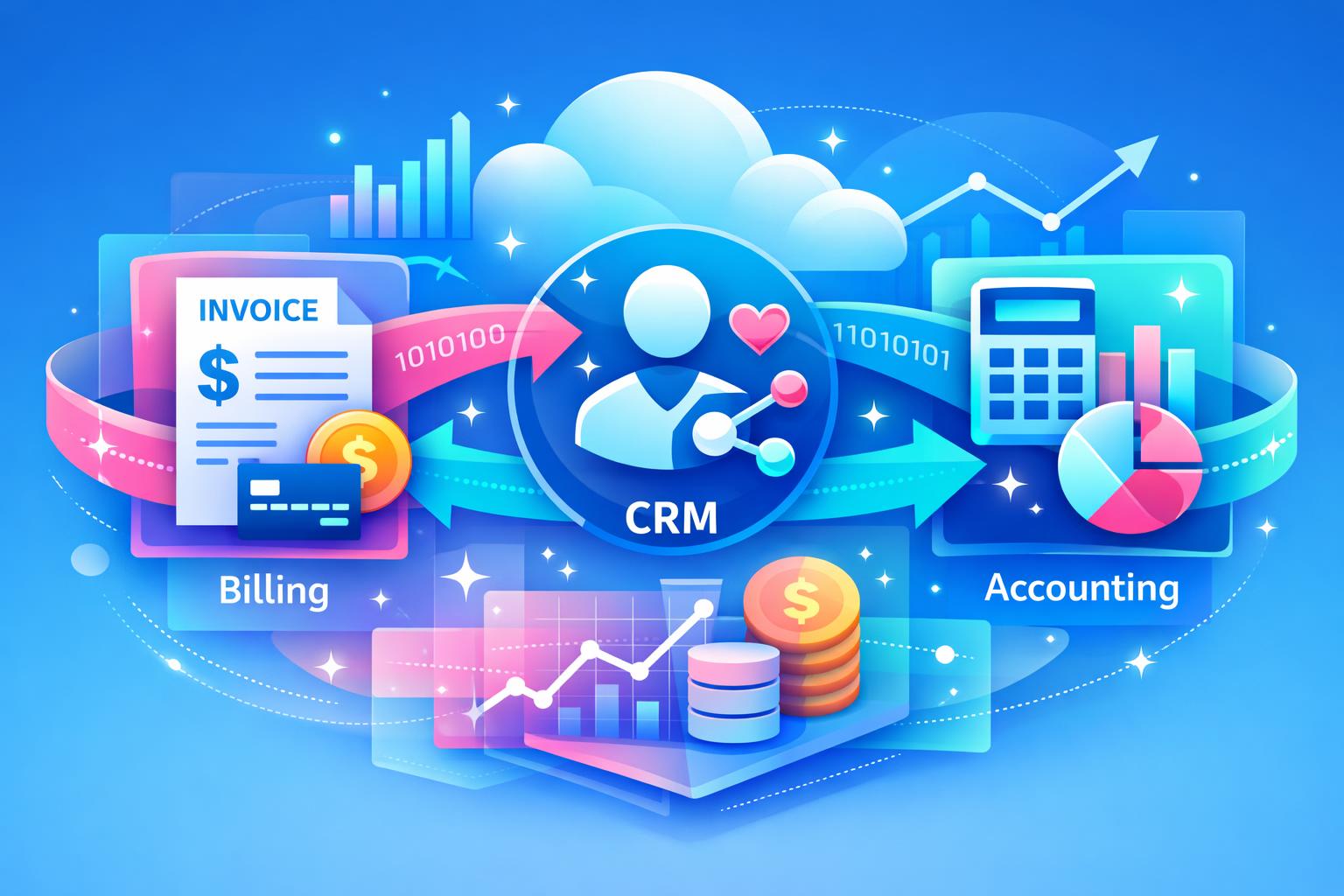
    Ask any SaaS finance leader what slows them down most, and the answer often isn’t strategy—it’s cleanup. When billing, CRM data, and accounting tools don’t connect, finance teams lose time fixing discrepancies and re-entering data. This post explores why accounting integration matters for SaaS growth, unpacking how disconnected systems create operational drag, why integration unlocks agility and accuracy, and how platforms like MainFoundry’s native e-conomic sync help teams maintain clarity as they scale.

    We’ll cover the hidden costs of manual processes, the benefits of integrated billing and finance data, and actionable takeaways for SaaS CFOs and controllers ready to modernize their financial stack for confidence, speed, and flexibility.

    Why Accounting Integration Matters for SaaS Finance Teams

    Disconnected systems can quietly undermine growth. In early stages, manual fixes may feel manageable, but as revenue and customer complexity expand, those same workarounds become operational debt that hinders accuracy and slows forecasting. Common issues include manual invoice copying, reconciliation mismatches, and reporting delays that make closing the books a recurring struggle.

    When teams can’t trust their numbers, questions like “What did we actually earn this month?” become surprisingly hard to answer. For SaaS finance teams, this uncertainty limits insight into true monthly recurring revenue and obscures performance trends. Integration eliminates this friction by ensuring billing transactions automatically sync to accounting, aligning invoices, payments, credits, and renewals without manual effort.

    “Integrated financial systems replace cleanup work with clarity—turning accounting from an afterthought into a strategic advantage.”

    MainFoundry’s subscription and billing management connects directly with financial records, reducing duplicate work and errors. Paired with insights from the unified customer database, finance teams gain full visibility from contract to cash, enabling faster reconciliation and cleaner reporting without complexity.

    How Integrated Billing and Accounting Reduce Risk and Unlock Visibility

    SaaS revenue recognition requires precise tracking, especially when contracts change mid-cycle. When systems rely on manual exports and imports, discrepancies and missing data are inevitable. An integrated platform creates a single source of truth—billing actions such as upgrades and cancellations update accounting automatically, reducing reconciliation risk and supporting accurate deferred revenue balances.

    By syncing data in real time, finance teams move from month-end reconciliation to continuous reporting. Leaders can see ARR, churn, and cash positions dynamically, enabling faster decisions and confident forecasting. Integrated systems also improve audit readiness with linked invoices, payments, and contracts stored in one location for transparent review.

    Pro Tip: Pair accounting integrations with strong data governance and role-based access. Tools like MainFoundry’s platform security approach enhance control and safeguard sensitive financial data.

    For European SaaS teams, native integrations are particularly valuable. MainFoundry’s synchronization with e-conomic allows billing data to flow directly into familiar accounting environments without relying on middleware, ensuring local compliance while removing manual entry. The result is scalable accuracy—finance operations stay lean even as complexity increases.

    Key Takeaways

    Accounting integration isn’t optional for subscription-driven businesses—it’s a foundation for financial clarity and scale. In short, why accounting integration matters for SaaS comes down to eliminating redundancy, improving accuracy, and empowering smarter decisions across finance and operations.

    • Disconnected billing and accounting systems cause inefficiency, data errors, and delayed financial reporting.
    • Integrated platforms automate invoice flow and improve revenue recognition compliance.
    • Real-time financial visibility strengthens forecasting and decision-making speed.
    • MainFoundry’s e-conomic sync offers reliable, region-aware accounting integration for European teams.

    If your finance workflows still rely on spreadsheets and manual imports, now is the moment to modernize. Explore MainFoundry or start a conversation with the team at mainfoundry.com/contact to see how integrated billing and accounting can simplify your SaaS finance operations.

  • Outlook Email and Calendar Sync for Accurate CRM Data

    Outlook Email and Calendar Sync for Accurate CRM Data

    Keeping your CRM data current is one of the biggest challenges for growing sales teams. When every email, meeting, and follow-up relies on manual updates, your CRM quickly drifts out of sync with reality. Automatic email and calendar sync solves this friction by logging communication directly from Outlook — no extra effort required. In this post, we’ll explore how MainFoundry’s Outlook integration automates CRM updates, why that matters for accuracy and productivity, and how teams can gain reliable reporting without adding administrative burden.

    How Outlook Email and Calendar Sync Remove Manual CRM Work

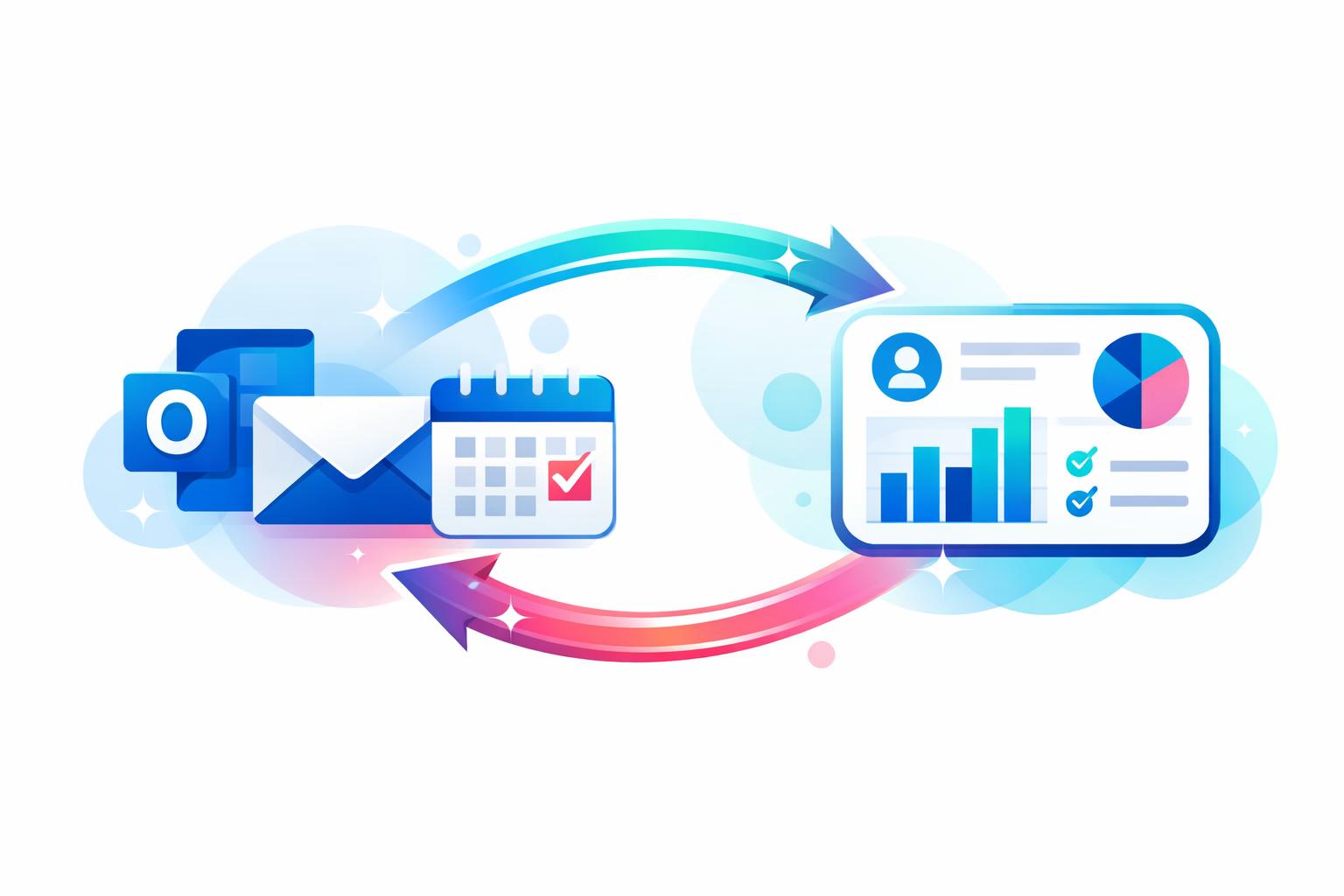
    For most sales teams, daily work happens inside Outlook — sending emails, scheduling meetings, following up on leads. The trouble starts when those interactions never reach the CRM. Manual methods like BCC addresses or browser extensions rarely hold up. MainFoundry eliminates the gap by integrating directly with Microsoft Graph, ensuring every email and calendar update syncs automatically.

    When a rep sends or receives an email, it’s instantly matched to the correct contact or opportunity within the CRM — based on recipients and domains — and added to the activity timeline. Similarly, meeting invitations and updates in Outlook appear as CRM meetings tied to the relevant company record. Reschedules, cancellations, and attendee adjustments all sync in real time. The result is that your timeline reflects the entire conversation history, not just what someone remembers to log.

    “When every email and meeting flows into the CRM automatically, reporting stops being guesswork and starts reflecting real activity.”

    This automation also strengthens team visibility. Whether it’s a manager reviewing deal progress or a teammate stepping in to cover a client call, everyone can see the complete interaction history at a glance. That’s the difference between a disconnected record and a truly unified CRM system inside MainFoundry — one that supports collaboration instead of slowing it down.

    Why Automatic Email and Calendar Sync Matters for Small Sales Teams

    For teams with fewer than fifty people, every minute spent logging activities in the CRM competes with selling or customer engagement. Automatic sync gives that time back while improving accuracy. The benefits go far beyond convenience — they ripple across functions like marketing, finance, and leadership. When CRM activity reflects what’s really happening, marketing can measure true engagement, finance can anticipate deals nearing close, and managers can review account health without chasing updates.

    MainFoundry builds on this foundation through workflow automation and integrations. For example, synced Outlook meetings can trigger follow-up tasks in custom workspaces, or surface summaries and insights using the AI Assistant. Since synced data is already structured, automation becomes reliable instead of fragile.

    Pro Tip: Choose CRM integrations that use trusted APIs, like Microsoft Graph, to maintain security and compliance while automating email and calendar data sync.

    Beyond technical reliability, the cultural benefit is clear. Teams spend less time updating records and more time building relationships. Forecasts become meaningful because they’re based on live engagement data instead of assumptions. In short, the CRM finally becomes a system that supports the team — not another chore on the checklist.

    Key Takeaways

    • Automatic email and calendar sync keeps CRM data accurate without manual input
    • Outlook integration ensures activity timelines are complete and real-time
    • Teams gain shared visibility, better collaboration, and reliable reporting
    • Workflow automation and AI features in MainFoundry add depth to synced data
    • Accurate CRM data helps small teams sell smarter and forecast with confidence

    Related Reading

    Explore more on streamlining your CRM operations in CRM System Integration.

    If your CRM still depends on manual updates, consider mapping where your communication happens. For most teams, that’s Outlook. Implement automatic sync that connects directly to contacts and deals and let data stay current by default. Learn more at MainFoundry.com or reach out via contact page to explore how seamless Outlook sync can transform your workflow.

  • CRM Document Management for Fast-Moving SaaS Teams

    CRM Document Management for Fast-Moving SaaS Teams

    For fast-moving SaaS teams, document management often starts out organized but quickly becomes a tangled web of proposals, contracts, and internal docs spread across disconnected tools. The result? Friction, missed updates, and lost visibility. This article explores how modern document management for SaaS moves beyond simple storage into deeper integration with CRM systems. You’ll learn why traditional tools fall short, how to embed documents directly into your workflows with platforms like MainFoundry, and what it takes to create a single source of truth that actually supports business growth.

    Integrated document management for real SaaS workflows

    When documents live outside your CRM, context disappears—and so does efficiency. In most SaaS companies, proposals sit in one tool, contracts in another, and SOWs buried in drives or chat threads. Over time, this fragmentation slows execution and raises the risk of using outdated files. The smartest teams now embed document management directly inside their CRM environment, connecting every file to the customer, deal, or project it supports.

    Platforms such as MainFoundry treat documents as part of the customer lifecycle rather than isolated files in storage. For example, a contract isn’t just a PDF—it’s linked to its deal record, visible in the same timeline as communications and tasks. As deals progress, the associated documents move with them automatically. Sales, legal, and finance teams can collaborate directly within the same context, reviewing content without jumping between systems.

    “The most effective document management isn’t about storage—it’s about context embedded within the daily workflow.”

    A connected system also improves discoverability. Instead of sifting through folders, users can search by customer name, deal stage, or metadata. With integrated controls, teams stay aligned on current versions, reducing parallel edits and confusion. MainFoundry’s custom workspaces for teams extend this model further, linking documents not only to CRM records but also to projects and internal processes for seamless collaboration.

    Choosing document management that scales with your SaaS business

    As SaaS companies grow, their document workflows must evolve to support automation, analytics, and cross-team visibility. Integrated systems can trigger follow-ups and tasks automatically—such as creating onboarding actions once a contract is signed. Within solutions like MainFoundry, AI-driven features can summarize key clauses, surface critical terms, and even help locate relevant content in seconds, all as part of its AI-powered business platform.

    Security and governance also benefit from consolidation. Instead of juggling separate permission systems, integrated document management enforces consistent controls across CRM, contracts, and workspaces. This unified approach simplifies auditing and compliance—especially for SaaS companies operating under strict regulations. When documents, revenue data, and customer insights coexist in one place, leaders can make decisions with full context rather than partial information.

    Ultimately, your choice of document management should bring files closer to your customers—not further away. By connecting every file to the CRM record that defines its purpose, platforms like MainFoundry help SaaS teams turn documents into living components of their operations. Explore how this integration extends across the entire workflow with MainFoundry’s unified CRM platform.

    Key Takeaways

    • Treat documents as part of the customer lifecycle—not as isolated files—by integrating them directly into your CRM.
    • Centralization improves visibility, version control, and collaboration across sales, legal, and operations teams.
    • Integration with AI and automation helps trigger workflows and reduce manual coordination.
    • Unified governance and security across CRM and documents simplify compliance and audit processes.
    • To see how this integration powers faster SaaS operations, visit MainFoundry or start a conversation with the team at MainFoundry Contact.