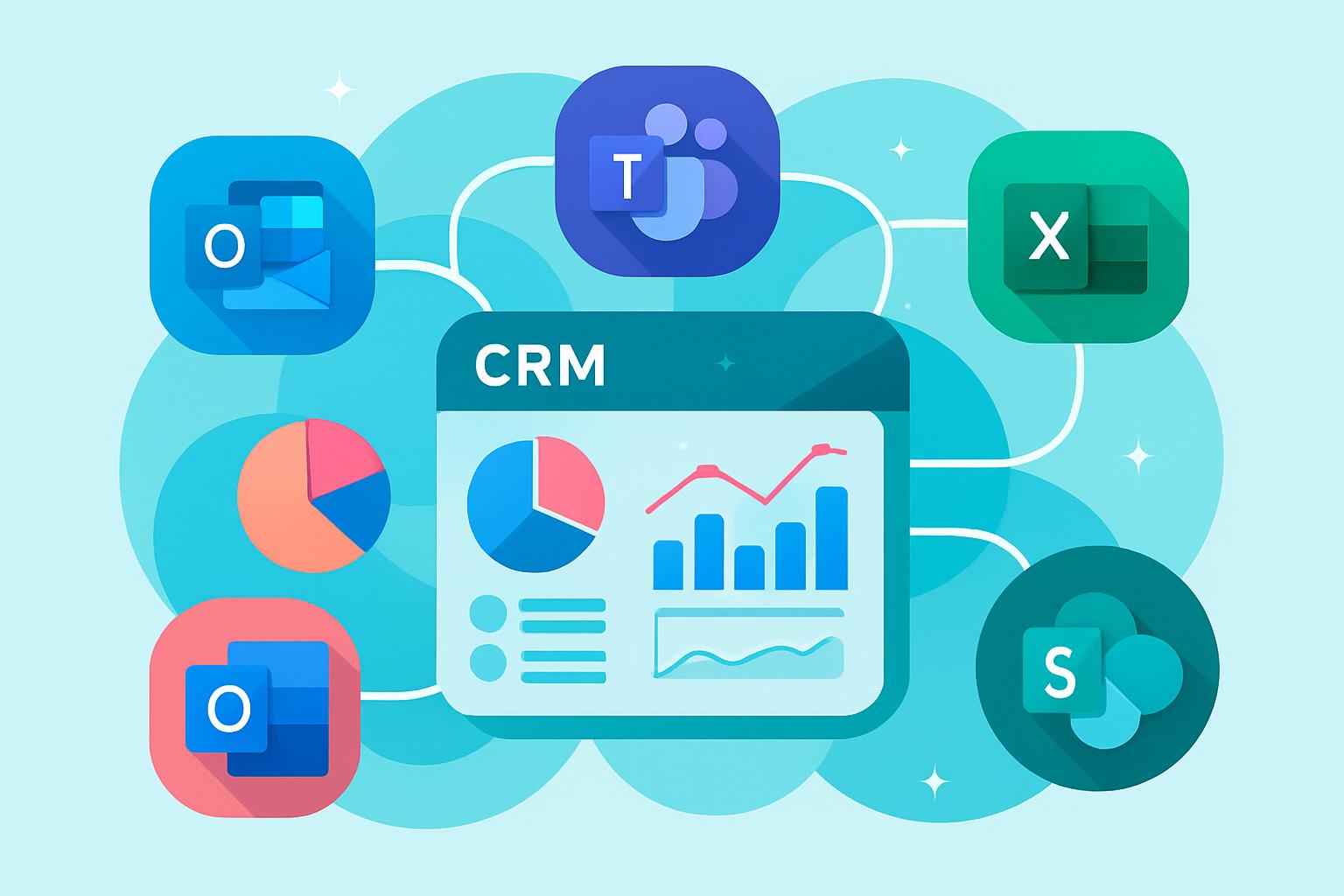
Modern businesses run on interconnected tools, but productivity often gets lost when those systems don’t communicate effectively. Integrating your CRM with Microsoft 365 bridges that gap, turning scattered data into synchronized workflows. This post explores how connecting Microsoft apps like Outlook, Teams, and Excel with your CRM can transform daily tasks, support data-driven collaboration, and simplify decision-making across departments. You’ll discover practical integration benefits, key tools to enable seamless syncing, and why platforms like MainFoundry make unified work environments easier than ever.
Integrating CRM with Microsoft 365 for Seamless Productivity
When your CRM connects directly to Microsoft 365 tools, your team gains unified access to Outlook, Teams, SharePoint, and Excel. The integration eliminates redundant manual tasks and brings every communication, document, and meeting together into a single, data-rich environment. Beyond convenience, this connection builds an ecosystem where collaboration, analytics, and decisions happen faster and more intelligently.
Platforms like MainFoundry make this process simple. By combining a unified CRM workspace with native Microsoft integration, your data automatically syncs between customer records, marketing campaigns, and financial dashboards. The result is consistent visibility across your organization and faster insight into business performance.
“When every email, meeting, and spreadsheet is connected through your CRM, productivity scales naturally.”
How Microsoft 365 Integration Improves CRM Efficiency
With a CRM tightly integrated into Microsoft 365, your teams gain a single point of truth across sales, marketing, and finance. Instead of toggling between multiple apps, users can manage opportunities, campaigns, or invoices directly from Outlook or Teams. Microsoft’s single sign-on (SSO) ensures fast, secure access to connected tools without repeated logins, preserving both security and ease of use.
- Automated contact and calendar synchronization reduces manual data entry.
- Teams and Outlook integrations improve real-time sales collaboration.
- Excel-based analytics enrich CRM forecasting and performance tracking.
- Integrated authentication ensures compliance and streamlined access.
Sales teams can track conversations and deals without leaving their inbox, while marketing leaders monitor campaign ROI from familiar Microsoft dashboards. Finance professionals can instantly export CRM data to Excel for real-time reporting. Integration tools such as Power Automate, Dataverse, and Azure Logic Apps add even deeper Microsoft-native automation. Extending this further, MainFoundry’s AI Assistant interprets synced CRM data, highlighting customer trends and suggesting next steps automatically.
Pro Tip: Pair Microsoft Dataverse with Power Automate to enable real-time syncing across Dynamics 365, SharePoint, and your CRM for complete operational visibility.
Creating a Unified Workflow Across Microsoft and CRM
The strongest integrations enhance how your teams already work. A synced Outlook calendar can automatically populate CRM timelines with meetings and notes. SharePoint files link directly to proposals stored in your CRM workspace, while Excel reports pull live deal data for accurate forecasting. This natural flow of information eliminates duplicate data entry and accelerates collaboration.
By linking these systems through MainFoundry, teams manage everything from marketing attribution to invoicing and recurring billing in one connected workspace. Microsoft’s Dataverse supports two-way synchronization, ensuring updates appear instantly across both platforms. This transparency enhances accountability while providing every team with accurate, actionable insight.
Unified CRM and Microsoft 365 workflows reduce operational friction and accelerate decision-making across your organization.
Key Takeaways
Integrating your CRM with Microsoft 365 is more than a technology upgrade—it’s a productivity shift. You gain a connected system where communication, analysis, and workflow execution happen seamlessly. Key advantages include the elimination of data silos, enhanced visibility in Outlook and Teams, advanced analysis through Excel, and simple adoption through MainFoundry’s built-in Microsoft sync. Coupled with secure single sign-on, your teams can work confidently in one unified space.
If you’re ready to unify data, communication, and analytics through Microsoft integration, explore how MainFoundry can help. Visit https://www.mainfoundry.com or reach out directly at https://www.mainfoundry.com/contact.
Related Reading
Discover more on optimizing workflows by reading How a Unified CRM Workspace Boosts Team Collaboration.