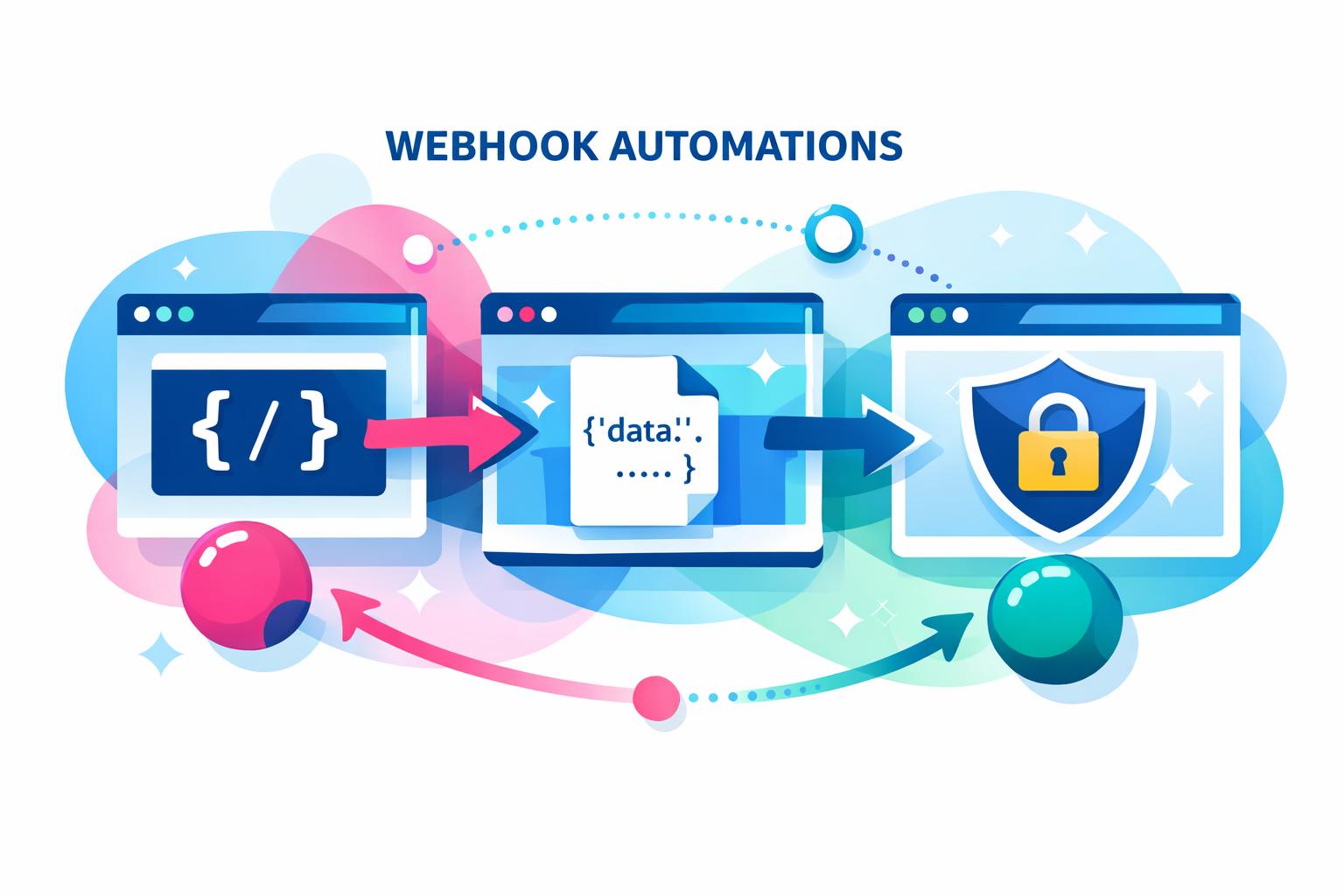
Learning how to set up webhook automations is one of the fastest ways to connect modern business tools without waiting on built-in integrations. Webhooks enable systems to communicate in real time, pushing events as they happen rather than relying on scheduled syncs. This can save countless hours for teams managing CRM data, marketing campaigns, or finance workflows. In this guide, you’ll learn the technical foundations for webhook automations—covering triggers, payloads, authentication, and error handling—plus examples showing how unified platforms like MainFoundry use these principles to simplify integrations across business operations.
Understanding Webhook Triggers, Payloads, and Security
Webhooks operate through simple cause-and-effect logic: when an event occurs in one system, it sends an HTTP request—typically a POST—to another system. This action replaces traditional polling and ensures the receiving service reacts instantly to business events. To design reliable automations, start by defining meaningful triggers that represent important state changes, such as a new contact added, a deal moving stages, or a subscription renewed.
Each webhook trigger creates a unique endpoint URL used to deliver payloads. Because this URL functions as a credential, treat it as a secret and store it securely. Payloads generally use JSON, including fields for event type, timestamp, unique IDs, and a nested data object describing what changed. Headers like Content-Type and Authorization are also critical, since they determine how the receiver interprets and authenticates the request.
Security remains a cornerstone of webhook design. Protect endpoints using shared secrets, signed payloads, or bearer tokens, and always enforce HTTPS with strong TLS. Platforms such as MainFoundry’s unified ecosystem integrate these same standards across their APIs, ensuring webhook traffic follows consistent compliance and authentication practices.
“A well-structured webhook payload should carry enough data for the receiving system to act immediately without extra API calls.”
Before deploying any webhook to production, test with sample payloads. Use mock events to confirm field accuracy, authentication behavior, and response times. Effective testing prevents integration issues and ensures your workflows trigger exactly as intended.
Designing Reliable Webhook Workflows and Real-World Use Cases
Once your triggers and payloads are active, reliability becomes the key focus. Most webhook senders expect quick responses, so process payloads asynchronously after validation to avoid timeouts. Adding an idempotency key allows your system to ignore duplicates and maintain state integrity even under retry conditions. Logging and monitoring are invaluable—record both request and response data to detect errors early and build durable automation pipelines.
Webhook automations create countless possibilities for workflow efficiency. For instance, you can push instant Slack updates when high-value deals move stages, synchronize customer data between CRM and support tools, or orchestrate multiple downstream tasks from a single trigger. Unified platforms like MainFoundry amplify these actions by enriching payloads with contextual data—combining CRM, marketing, and finance records—to create smarter, data-aware workflows without extra API complexity.
As webhook volume scales, plan for rate limiting and payload versioning to maintain reliability. Document schema changes and coordinate across teams to prevent breaking integrations. Remember, while webhooks excel at real-time updates, scheduled APIs still perform better for historical or bulk data transfers. Balancing both ensures optimized performance as your automation footprint grows.
Pro Tip: Treat webhook endpoints as living interfaces. Version your payloads and monitor changes to maintain seamless communication between evolving systems.
Key Takeaways
- Choose event triggers that represent meaningful business changes to prevent unnecessary noise.
- Use clear JSON payloads and secure authentication methods for reliable data exchange.
- Implement error handling, retries, and idempotency keys for production-grade workflows.
- Explore webhook use cases like Slack alerts and data synchronization to boost real-time collaboration.
- Unified platforms such as MainFoundry make webhook automation more powerful through enriched context and integrated security.
Related Reading
Check out how unified workflows drive integration efficiency for deeper insight into connected business operations.