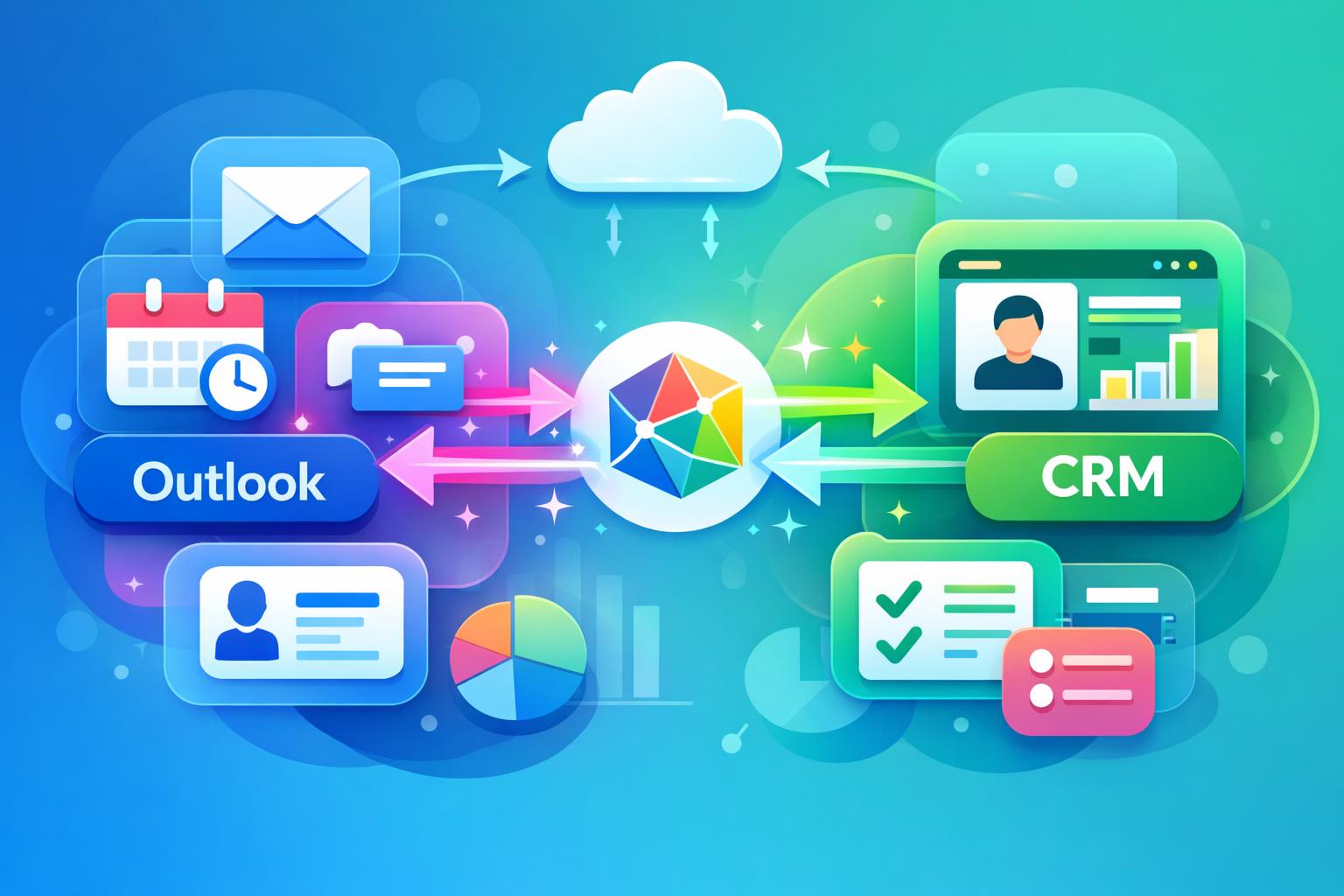
When your team spends most of the day in Microsoft Outlook, your CRM should keep pace automatically. A well-built Outlook CRM integration does exactly that—keeping customer data updated in real time without relying on manual input. This article explains how connecting Outlook and your CRM through technologies like Microsoft Graph eliminates data entry tasks, preserves contact history across emails and meetings, and strengthens collaboration across sales and customer success teams. You’ll see how MainFoundry’s approach ensures accurate, synchronized customer information that your business can rely on effortlessly.
How Outlook CRM Integration Keeps Customer Data Current
Most business teams already rely on Outlook for their daily communication, which makes it the perfect foundation for automated CRM synchronization. The problem with traditional integrations is that they depend on manual email forwarding or plug-ins that eventually break down. With two-way Outlook CRM integration, all communication, meetings, and contacts update continuously in both systems, creating a single, truthfully synchronized record of interactions.
Two-way synchronization ensures that when emails are sent or received in Outlook, the corresponding records automatically appear in the CRM. Likewise, any updates made in the CRM reflect in Outlook, maintaining complete context. For example, when a salesperson replies to a client, that email is linked to the correct contact and company record. Later, when a teammate reviews the account, the full message history appears chronologically, creating a trustworthy activity timeline without anyone needing to log interactions manually.
MainFoundry’s CRM achieves this synchronization using Microsoft Graph, enabling continuous two-way data flow across Outlook and the CRM. This eliminates partial histories and missing communication while ensuring every team member works with the same updated information—an essential advantage for distributed organizations. Learn how this connects within a broader unified CRM system that ties together contacts and companies seamlessly.
“When your CRM reflects what actually happens in Outlook, you eliminate guesswork and maintain continuous visibility into every customer relationship.”
Beyond email, Outlook integration also manages calendar data. Meetings, demos, and follow-ups appear in the CRM automatically, attached to the right contacts, accounts, or opportunities. In MainFoundry, these events display alongside emails, notes, and call logs as part of one chronological activity timeline. Managers can instantly assess engagement levels across accounts, while sales and customer success teams prepare for client conversations fully informed by past meetings.
Another critical advantage is automatic contact creation. When new people email your team, their details are automatically captured or enriched in the CRM. That means no more lost leads or neglected stakeholders. Over time, your CRM evolves into a complete communication record reflecting real customer relationships, not just manually added data points. MainFoundry automates this by detecting senders and domains directly through Outlook activity, saving countless hours of manual data cleanup.
Real-time updates powered by Microsoft Graph = CRM accuracy without user effort.The integration’s reliability comes from Microsoft Graph delivering event-driven synchronization directly through Microsoft 365, not through delayed imports or fragile rules. This ensures that any change—an email sent, a meeting rescheduled, or a contact detail edited—is instantly reflected on both sides, freeing teams from manual upkeep and giving leaders an accurate real-time snapshot of customer activity.
Why Outlook CRM Integration Matters for Growing Teams
As organizations scale, keeping CRM data complete becomes increasingly difficult. Missed follow-ups, unclear account ownership, and duplicate outreach stem from inconsistent records. A solid Outlook CRM integration removes this friction entirely. With automatic synchronization, you don’t have to rely on reminders or policies—customer data stays updated organically as teams communicate.
Automatic updates also improve adoption. When CRM activity logs happen without effort, sales and service teams trust the system more. They spend less time on administrative work and more time with customers. Because MainFoundry connects directly to Microsoft 365—without plugins or code—it’s an accessible option for teams that want depth without setup complexity.
Pro Tip: Choose integrations built on native APIs like Microsoft Graph to avoid slow syncs and data inconsistencies common in manual or third-party tools.
Because customer data supports multiple departments—from marketing to finance—activity syncing benefits the entire organization. Outlook CRM integration creates a unified record accessible across systems, including marketing analytics and attribution or subscription and billing management. Everyone operates from the same dependable customer data, aligning goals and strengthening communication between departments.
Security also plays a major role. Using Microsoft 365’s native permissions ensures sensitive email and calendar data stay protected while still allowing shared access when necessary. MainFoundry’s architecture is designed with enterprise-grade security standards, which you can explore in detail at MainFoundry Security. Combining simplicity, compliance, and robust synchronization support makes the system scalable without added complexity.
Key Takeaways
- The best Outlook CRM integration eliminates manual logging and keeps records synchronized automatically.
- Two-way email and calendar syncs maintain complete interaction histories and improve visibility.
- Automatic contact creation prevents lost leads and enriches CRM data continuously.
- Leveraging
Microsoft Graphensures real-time updates and eliminates integration fragility. - Platforms like MainFoundry prove that deep integration, automation, and security can coexist in one cohesive system.
Related Reading
For a complete look at how MainFoundry connects CRM with marketing, finance, and workflow automation, explore MainFoundry’s unified business platform or reach out at MainFoundry Contact.