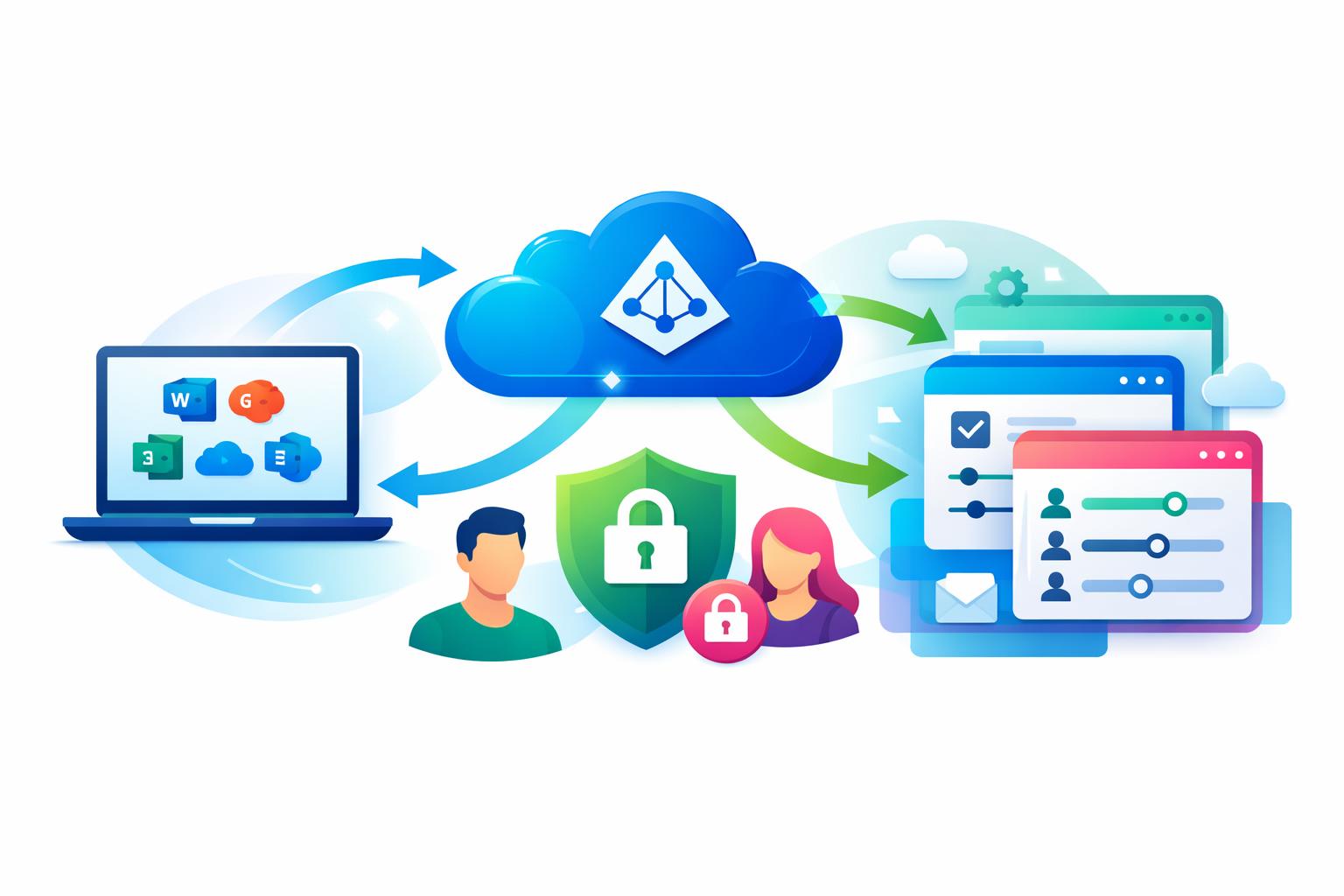
If your organization relies on Microsoft 365, streamlining access across cloud platforms isn’t just convenient—it’s essential. Azure Active Directory SSO for SaaS transforms how teams authenticate, manage users, and secure business data in an increasingly app-driven world. This post unpacks how Microsoft Entra ID enables single sign-on, automatic provisioning, and role-based access control to simplify operations. You’ll also see how solutions like MainFoundry leverage Azure AD integration for unified, secure, and scalable teamwork.
How Azure Active Directory SSO Simplifies SaaS Access
At its core, Azure Active Directory SSO for SaaS eliminates repetitive logins by enabling users to sign in once with their Microsoft credentials. Behind the scenes, Azure AD—or Microsoft Entra ID—uses secure protocols such as SAML 2.0 and OpenID Connect to verify a user’s identity and share that validation with the corresponding SaaS platform. The app never needs to handle passwords directly, reducing the risk of breaches and password fatigue.
From an administrative perspective, setting up SSO begins with registering the SaaS app as an enterprise application in Azure AD. Once configured, Azure AD acts as the identity provider while the application functions as the service provider. This centralized model lets IT teams manage access from one control point, aligning security policies across all business tools and drastically reducing configuration overhead.
For Microsoft 365 teams, integration with everyday workflows is seamless. Employees can launch SaaS tools directly from the Microsoft 365 portal, through Teams or Outlook, or the My Apps dashboard—no extra credentials required. This not only strengthens security but also keeps productivity uninterrupted, especially for organizations balancing multiple cloud services and roles.
Automatic Provisioning and Role-Based Control
While SSO handles sign-in, automatic user provisioning extends identity management across the employee lifecycle. Using APIs and standards like SCIM, Azure AD can automatically create, update, or deactivate user accounts in connected SaaS systems. When someone joins or changes roles, their access adjusts instantly—no manual updates required. When they leave, a single account deactivation in Azure AD can revoke access systemwide.
This automation becomes critical when dealing with sensitive data in CRM, finance, or marketing systems. Platforms like MainFoundry benefit directly from this connection—allowing team members to access unified workspaces using their Microsoft 365 identity, while IT retains centralized oversight for security and compliance.
“Centralized authentication isn’t just about convenience—it’s the foundation that keeps modern business systems secure, scalable, and compliant.”
Beyond authentication, role-based access control (RBAC) ensures that each user only sees what they need. Azure AD can pass group memberships or roles directly to SaaS apps during login or provisioning, allowing administrators to define permissions once and apply them consistently. In a platform like MainFoundry, this means finance staff can manage billing while marketing focuses on campaign analytics—all within a single, secure environment.
- Centralized authentication using Microsoft identities
- Automatic provisioning that syncs with directory updates
- Role-based access driven by Azure AD group assignments
- Seamless access via Microsoft 365 and My Apps portal
Pro Tip: For teams already managing user data in Microsoft 365, enabling automatic provisioning can immediately reduce IT workloads while strengthening deprovisioning controls for security audits.
Key Takeaways and Next Steps
For Microsoft 365 organizations, modern identity management through Azure Active Directory SSO is more than just a user convenience—it’s a cornerstone of security and operational efficiency. By consolidating login credentials, automating provisioning, and enforcing role-based access across applications, teams can work faster and safer.
- Reduce password fatigue and IT support requests through unified credentials
- Keep user access synchronized automatically from onboarding to offboarding
- Define access rules once and apply them everywhere with Azure AD groups
- Improve security posture while simplifying compliance management
If your organization is evaluating new SaaS platforms, consider those aligned with Microsoft Entra ID standards. Explore how MainFoundry supports unified CRM, marketing, finance, and team collaboration under one secure, Azure AD-integrated platform. To discuss implementation or request a demo, visit MainFoundry Contact.