Category: How-to-guides

  • End-to-End Marketing Campaign Tracking That Proves ROI

    End-to-End Marketing Campaign Tracking That Proves ROI

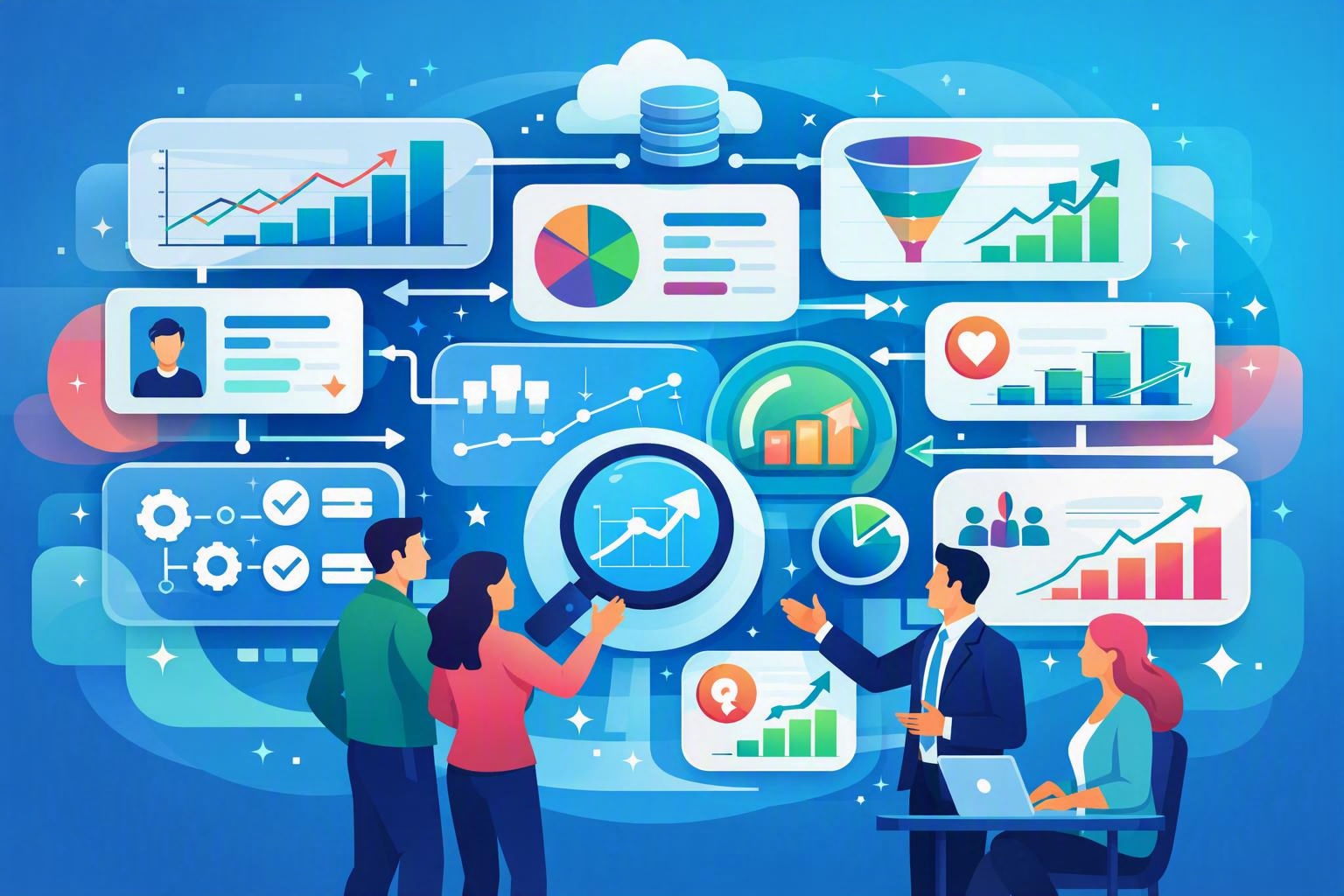
    If you’ve ever described a campaign as “successful” without knowing exactly how it affected revenue, you’re not alone. Understanding how to track marketing campaigns end to end helps bridge the gap between engagement metrics and tangible business outcomes. This post explores what complete campaign tracking looks like, from the first click to closed revenue, and how systems like MainFoundry integrate UTMs, conversion events, and subscription data to create a single source of marketing truth.

    How End-to-End Campaign Tracking Works

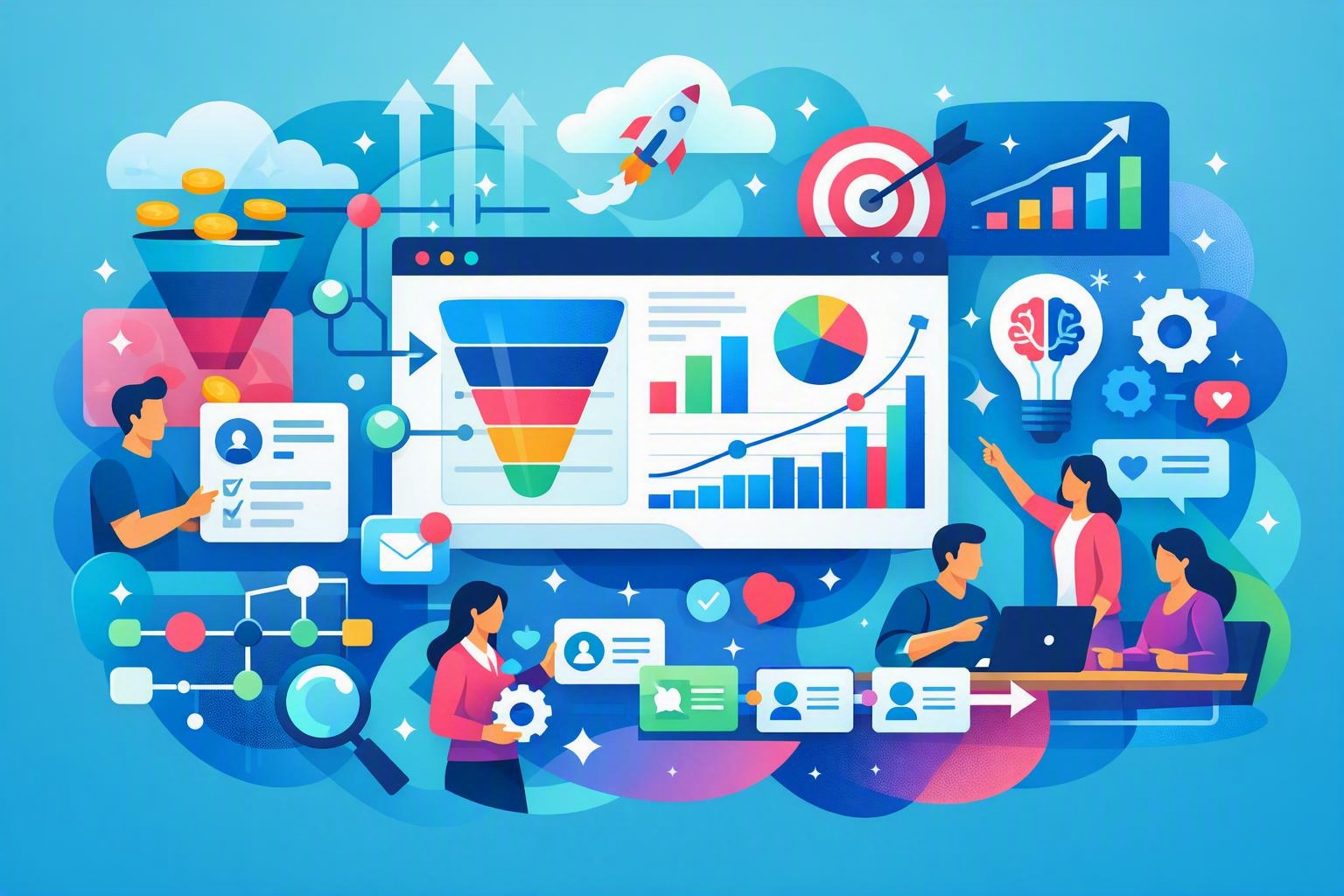
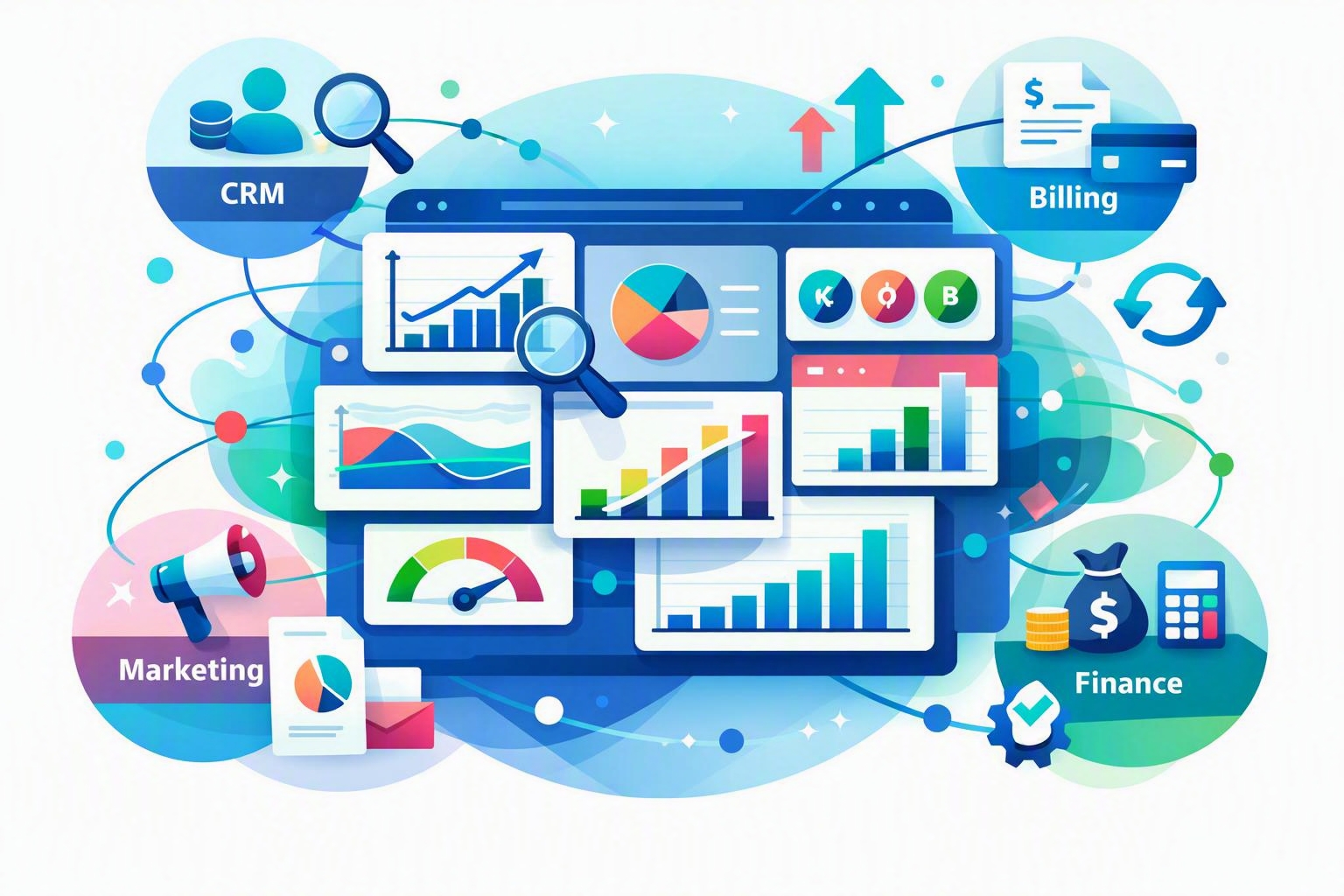
    True end-to-end tracking connects marketing, sales, and finance so everyone sees the same story. This begins at the first campaign click and extends through lead conversion, opportunity creation, and closed revenue. It’s not just a report—it’s a unified system ensuring every activity receives consistent attribution.

    The foundation lies in clean UTM parameters. Tagging links with source, medium, and campaign names allows data to flow from analytics into CRMs. Without consistent UTMs, attribution becomes unreliable, especially when multiple campaigns influence a buyer’s decision.

    Next comes behavior tracking. UTMs answer who drove traffic; conversion events capture what that traffic did. Advanced teams track pricing page visits, demo requests, trial activations, and other high-intent signals. These actions provide deeper insight than form fills and help separate curiosity from genuine purchase intent.

    When a visitor becomes a lead, this history must follow them into your CRM. In systems like MainFoundry, campaign sources, events, and lifecycle changes appear in one timeline. This makes it easier to visualize how early engagement shapes qualified opportunities and eventual sales outcomes.

    “End-to-end tracking isn’t just about measuring traffic; it’s about connecting every buyer interaction to revenue impact.”

    Connecting Campaigns to Pipeline and Revenue

    Pipeline attribution builds the bridge between marketing activity and sales outcomes. Rather than asking which campaigns created leads, it answers which campaigns drove real opportunities. This linkage preserves every interaction from lead conversion through deal creation so credit can be distributed accurately.

    Attribution models—like first-touch, last-touch, and multi-touch—describe how value flows through the buyer journey. First-touch shows what introduced the contact; last-touch identifies what closed the deal. Multi-touch attribution gives the most balanced perspective since SaaS buying decisions typically involve many interactions. Consistency in these models ensures metrics are comparable across time and campaigns.

    Ultimately, closed-revenue attribution turns insight into action. When deals are marked closed-won, that subscription revenue should trace back to campaign engagement. This connection enables marketers to calculate ROI with real subscription metrics rather than proxy lead numbers.

    When marketing, sales, and finance share aligned data, attribution becomes part of everyday reporting—not an afterthought.

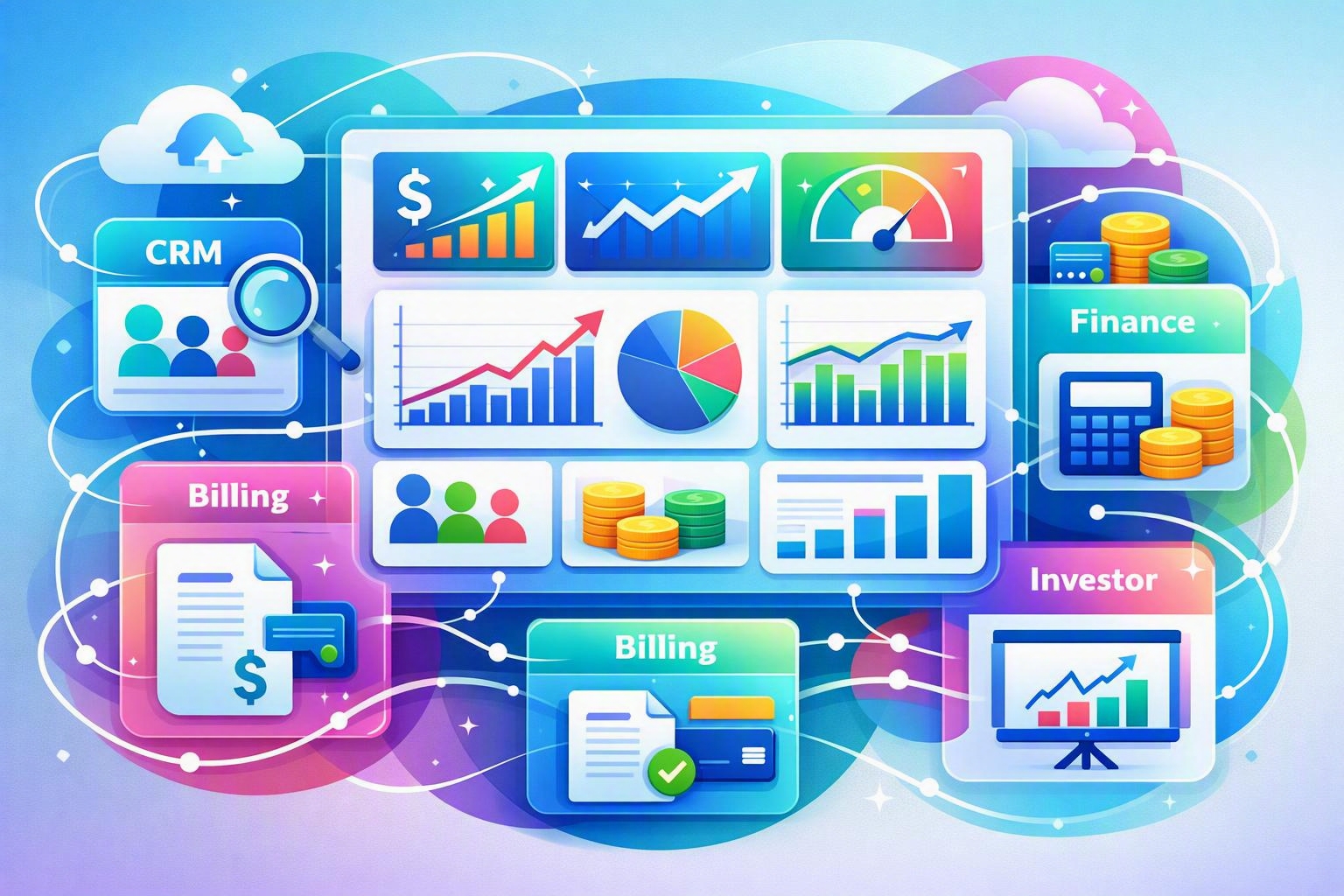
    Platforms that unify CRM, analytics, and subscription data, such as MainFoundry, simplify this process. By linking campaign IDs directly to opportunities and billing, teams can see exactly which initiatives generate pipeline and recurring revenue—without manual reconciliation.

    Building a Reliable Tracking Model

    Strong end-to-end tracking depends on fundamentals rather than complexity. The most effective teams align early around clear conventions and data flows. When executed well, attribution evolves from guesswork into actionable intelligence that supports strategic decisions.

    • Set and maintain precise UTM naming standards across all campaigns.
    • Track only high-value conversion events that demonstrate intent, not every click.
    • Preserve original campaign sources as leads enter the CRM to ensure continuity.
    • Connect closed revenue with prior campaign touchpoints for accurate ROI analysis.
    • Audit attribution data regularly to catch inconsistencies and refine reporting.

    Pro Tip: Align data definitions between marketing and sales early. Shared terminology makes attribution data far more reliable.

    Key Takeaways

    Tracking marketing campaigns end to end transforms fragmented metrics into a cohesive growth narrative. By integrating UTMs, conversion events, pipeline attribution, and closed revenue, teams can measure real business impact rather than surface-level activity. The ultimate advantage lies in alignment—connecting systems and stakeholders around shared, trustworthy data.

    If you’re ready to unify campaign tracking, CRM visibility, and subscription analytics, explore how MainFoundry’s marketing attribution tools and integrated billing management can reveal which campaigns drive real recurring revenue.

    Related Reading

    Discover more about marketing attribution and analytics best practices to refine how your organization measures ROI and growth.

  • B2B SaaS Lead Generation Metrics That Drive Revenue

    B2B SaaS Lead Generation Metrics That Drive Revenue

    Generating consistent, high-quality leads remains one of the most challenging aspects of scaling a B2B SaaS company. Understanding how to generate leads for B2B SaaS is crucial, but tracking which channels truly convert is what separates effective teams from those that are simply busy. This post explores a clear, data-driven approach to B2B SaaS lead generation across Content marketing, SEO, paid campaigns, outbound, and partnerships—while showing how integrated analytics reveal what really drives revenue.

    Building an Effective B2B SaaS Lead Generation System

    Effective B2B SaaS lead generation starts with a clear ideal customer profile (ICP). Beyond firmographic traits like company size and industry, knowing the internal motivations and buying triggers of your audience ensures every campaign aligns with actual buyer intent. For instance, a RevOps manager’s evaluation criteria differ greatly from those of a VP of Marketing—even within the same sector. Using CRM history, win–loss insights, and product analytics uncovers which attributes are linked to closed-won deals rather than just form submissions.

    Once the ICP is defined, map offers to buyer intent. Early-stage leads engage best with educational content or ungated resources, whereas mid-funnel prospects respond to playbooks or webinars. High-intent audiences gravitate toward demo requests, free trials, or ROI calculators that reduce uncertainty. Each campaign should clearly lead to a specific offer, tracked as a conversion event to reveal which efforts actually create pipeline.

    Content marketing sits at the center of sustainable lead generation. Rather than producing volume for its own sake, strong teams craft problem-aware and solution-aware content that speaks directly to audience pain points. For example, a guide on marketing attribution models should naturally point to a practical checklist or webinar invite instead of an immediate demo pitch. Platforms like MainFoundry help by connecting content engagement data to downstream pipeline, showing exactly which assets produce qualified opportunities.

    SEO further strengthens this system when focused on intent-driven keywords tied to pain points, comparisons, and use cases. It’s not just about ranking; it’s about capturing demand that converts. By tracking conversion events on solution and comparison pages, teams can link keyword clusters to actual revenue rather than relying solely on traffic metrics. This transforms SEO into a predictable growth engine rather than a cost center.

    “Lead generation only becomes scalable when every channel and offer is measured against real pipeline outcomes.”

    Paid media accelerates lead acquisition when built around high intent and precise tracking. Search ads aligned with strong keywords and landing pages convert better than large, unfocused spends. Likewise, paid social on LinkedIn is most effective when segmented by funnel stage—educational assets for awareness, case studies for evaluation, demos for decision. Connecting advertising dashboards to CRM data highlights which campaigns create opportunities and customer value rather than superficial engagement.

    Outbound and partnerships remain vital, especially for higher-value deals. Targeted outreach driven by account insights typically outperforms broad email blasts. Partnerships and co-marketing help reach audiences that would otherwise take months to build. With proper tagging, referral parameters, and CRM integration, you can measure which co-marketing initiatives generate the most revenue, not just the most leads.

    Pro Tip: Balance your marketing mix like an ecosystem—each channel feeds and validates the others when tracked consistently.

    Measuring What Actually Works

    True marketing efficiency emerges from consistent conversion tracking and attribution. Every campaign should use standardized tagging so traffic sources and offers can be compared apples-to-apples. Track actions that matter—page visits like pricing or demo requests, downloads, and early engagement behaviors. When website analytics and CRM data are unified, the entire buyer journey—from anonymous visitor to paying customer—becomes transparent.

    Different attribution lenses reveal different insights. First-touch models highlight demand creation, last-touch models show what closes deals, and multi-touch attribution maps synergistic paths. Mature teams use all three views to balance investments between awareness and conversion. This ensures early-stage programs like content or SEO get fair credit alongside high-intent efforts like retargeting.

    From there, focus on conversion rate optimization (CRO). Analytics often expose pages that draw strong traffic but convert weakly. Revamping headlines, clarifying offers, or adding social proof often yields major performance lifts. Crucially, measure success by the sales pipeline generated—not just form completions. Dashboards that show leads, opportunities, revenue, and ROI side by side make this evaluation straightforward.

    Platforms like MainFoundry simplify this process by merging CRM data, marketing analytics, and revenue tracking into one view. With a unified measurement cadence, it’s easier to identify underperforming tactics and reinvest in the most effective ones, turning lead generation into a system that compounds efficiency over time.

    Key Takeaways

    • Start with a defined ICP and offers aligned to buying stages before selecting channels.
    • Integrate content, SEO, paid ads, outbound, and partnerships under one measurement framework.
    • Track meaningful conversion events and connect them directly to pipeline and revenue data.
    • Use analytics loops to continuously optimize where your marketing investment goes next.
    • Explore MainFoundry to unify CRM insights and reveal what actually drives B2B SaaS growth.
  • B2B SaaS Email Marketing Automation Best Practices

    B2B SaaS Email Marketing Automation Best Practices

    Running effective email campaigns for B2B SaaS isn’t about quantity—it’s about precision. You need the right messages, delivered to the right audiences, at the right stages in their journey. This guide explores exactly how modern SaaS teams achieve that by aligning segmentation, personalization, and automation with real‑world data. You’ll also see how unified platforms like MainFoundry’s Campaigns module make it easier to connect marketing, product use, and revenue performance.

    How to Run Email Campaigns Across the SaaS Lifecycle

    Strong B2B SaaS email marketing starts with a shift from generic blasts to lifecycle‑driven sequences. Campaigns should support how prospects and customers actually engage with your product over time—from first interest through expansion. This requires clear objectives, clean data, and segmentation built on real behavior rather than assumptions.

    Before launching anything, successful teams define goals for each stage. Early‑stage leads need education and problem framing. Trial users expect fast wins that prove value. Paying customers need reinforcement and adoption triggers. Re‑engagement campaigns help restore interest when usage signals start to fade. Treating these motions distinctly ensures relevancy across the lifecycle.

    A unified CRM and marketing system like MainFoundry’s platform strengthens your segmentation model. When contact data, usage signals, and engagement metrics live together, segments become dynamic, updated automatically as accounts evolve. For instance, you can automatically target trial users who haven’t activated key features or customers whose usage dropped in recent weeks.

    Effective personalization builds on this foundation. In SaaS, personalization isn’t just adding names—it’s aligning message tone, examples, and calls to action with role, industry, and lifecycle stage. Dynamic content blocks help by adjusting text automatically based on known data points like plan type or trial status, creating fewer templates and higher relevance. This later supports nurture flows that educate leads, activation sequences that onboard trials, and retention campaigns that encourage expansion.

    “Lifecycle‑driven segmentation turns email marketing from routine broadcasting into an adaptive system that mirrors customer reality.”

    Re‑engagement campaigns also benefit from data integration. When marketing automation ties directly to CRM tasks, at‑risk accounts trigger alerts and coordinated follow‑ups from sales or success teams. This ensures that potential churn signals translate into proactive outreach instead of missed opportunities.

    Measuring email‑to‑revenue attribution

    Leadership doesn’t just want to see opens and clicks—they want to know which campaigns generated revenue. That’s where email‑to‑revenue attribution comes in. It begins by defining conversion events like trial starts, subscription upgrades, or renewals, then tying those back to email engagement using unified tracking throughout your CRM and billing system.

    Once those events are mapped, you can assess influence. Some teams apply last‑touch or first‑touch models, while advanced programs use multi‑touch attribution to distribute credit across multiple interactions. The key is consistency—no matter how it’s modeled, connected data paints a more accurate picture than disconnected tools ever could.

    Platforms with integrated analytics, such as MainFoundry’s Campaigns module, enable deeper insight. You can compare trial conversion rates between users who engaged with onboarding emails and those who didn’t, or measure expansion revenue tied to feature‑adoption campaigns—all within one environment tracking MRR and ARR growth.

    Beyond attribution, sophisticated teams review email performance at the cohort level to see whether participants retain longer or expand faster than non‑participants. This shifts email marketing from a short‑term conversion lever to a long‑term growth driver. Incorporating feedback loops—asking recipients whether specific messages were helpful—reveals qualitative insights that numbers alone can’t capture.

    Pro Tip: Regularly review your attribution definitions against how your sales and success teams actually mark conversions. Aligning on shared metrics prevents misleading results and improves campaign credibility.

    Key Takeaways

    • Effective SaaS campaigns start with lifecycle‑driven segmentation rather than generalized blasts.
    • Personalization should reflect each recipient’s role, stage, and behavior—not just contact fields.
    • Automated nurture, onboarding, and re‑engagement sequences outperform ad‑hoc sends over time.
    • Accurate email‑to‑revenue attribution requires connected CRM, product, and billing data.
    • Exploring integrated platforms like MainFoundry helps unify effort and improve measurable impact.

    Related Reading

    Discover how integrated CRM and analytics accelerate growth in Building a Unified SaaS CRM Framework.

  • Sync Email With CRM Automatically Using Outlook

    Sync Email With CRM Automatically Using Outlook

    If your team still forwards emails or manually logs conversations into the CRM, valuable insights may be lost before they ever reach customer records. Learning how to sync email with CRM automatically eliminates this friction. By syncing directly from Outlook, you can keep every message attached to the right contact, without changing how your team uses email. This guide unpacks the setup process, privacy considerations, and key advantages of automatic Outlook-to-CRM syncing—showing you how platforms like MainFoundry transform scattered inboxes into clean, contextual timelines.

    How to Sync Email With CRM Automatically Using Outlook

    True automation happens at the server level. This allows emails to sync in both directions—meaning messages sent or received via Outlook, a mobile app, or even inside the CRM all appear in the same conversation thread. Modern CRMs like MainFoundry offer seamless Outlook integration that captures every email in the contact or company’s activity timeline, alongside calls, meetings, and notes.

    To configure this setup, most CRMs follow a straightforward process. Within MainFoundry’s CRM platform, for instance, you’ll be prompted to connect an Outlook or Microsoft 365 account using secure OAuth authentication—no passwords required. You can then select which folders to sync, define how much historical data to include, and enable two‑way sync so every reply automatically threads to the right record.

    Pro Tip: Start with a limited sync window—such as the last 90 days—to avoid flooding your CRM with outdated conversations during initial setup.

    Once synced, the CRM automatically matches emails based on sender and recipient addresses. If a contact doesn’t exist, tools like MainFoundry suggest creating one immediately—saving you from tedious manual entry. The greatest advantage here is consistency: your CRM stays updated without requiring team members to take extra steps or break their normal Outlook routine.

    Sync Rules, Privacy Controls, and Data Accuracy

    Automation succeeds only when it’s guided by clear rules and strong privacy settings. Without those safeguards, teams either risk oversharing or abandon the feature altogether. Defining sync conditions—such as only capturing messages involving known contacts or excluding internal domains—strikes the right balance between visibility and confidentiality.

    MainFoundry extends flexibility by offering folder-based and rule-based syncing. You can designate a specific Outlook folder for CRM‑eligible emails or rely on automatic address matching. Furthermore, executives and financial teams can keep their personal inboxes private while allowing shared mailboxes like sales@ or support@ to sync globally. This ensures transparency without exposing sensitive exchanges.

    “Automatic email syncing only works when relevance is prioritized and privacy is protected.”

    Accuracy depends on how well your CRM manages contact data. When multiple people from one company email your team, MainFoundry’s unified companies and contacts structure ensures their messages link to both the individual and the organization record. If a sync issue occurs, most can be resolved by re‑authorizing the mailbox or verifying that two‑way sync remains active.

    Beyond just logging interactions, synced email enables deeper insights. With communication data flowing into connected marketing analytics dashboards and custom workspaces, teams can track response times, measure outreach patterns, and trigger automated workflows across the customer journey.

    Key Takeaways

    • Secure, two‑way Outlook integration keeps emails automatically attached to CRM records without manual logging.
    • Clear sync rules and domain exclusions prevent noise while preserving relevant context.
    • Privacy settings empower teams to manage visibility across personal and shared mailboxes.
    • Accurate contact mapping relies on clean data and a unified CRM data model.
    • MainFoundry extends these benefits by connecting synced email data to analytics and workflow automation.

    When email sync just works, your CRM shifts from being a static database into a living conversation timeline. Explore how MainFoundry unifies Outlook and CRM data at mainfoundry.com or start a tailored discussion with their team via their contact page.

  • CRM e-conomic integration trin-for-trin guide

    CRM e-conomic integration trin-for-trin guide

    At forbinde dit CRM med e-conomic er en af de mest effektive måder at automatisere arbejdet mellem salg og økonomi. Når kundedata, fakturaer og betalinger synkroniseres automatisk, får du et klart, samlet overblik over hele forretningen. I denne guide viser vi, trin for trin, hvordan du bygger en robust integration med fokus på kontoplaner, fakturasync og afstemning af betalinger. Som eksempel ser vi på, hvordan MainFoundry realiserer en moderne CRM–økonomi-integration i praksis.

    Hvorfor forbinde dit CRM med e-conomic?

    Når CRM og økonomisystem arbejder isoleret, opstår der typisk dobbeltarbejde og usikkerhed. Salg opretter kunder ét sted, mens økonomi gør det i et andet, og data løber i hver sin retning. En integration med e-conomic samler al kundedata, gør fakturering langt hurtigere og sikrer, at betalingsstatus automatisk opdateres i CRM’et. Resultatet er bedre datakvalitet og ro i hverdagen hos både økonomi og salg.

    For mange handler det også om timing. Når en aftale lukkes i CRM’et, forventer kunden ofte fakturaen med det samme. En direkte integration gør det muligt at oprette, bogføre og sende fakturaen automatisk – uden manuel eksport eller skift mellem systemer. Dermed bliver både kunderejsen og den interne proces mere strømlinet.

    “Når CRM og økonomi deler data i realtid, forsvinder friktionen i salgs- og faktureringsprocessen.”

    Sådan forbinder du CRM med e-conomic – trin for trin

    Selvom detaljerne varierer, følger de fleste CRM–e-conomic-integrationer den samme struktur. Først skal du vælge integrationsmetode – enten en færdig app eller en samlet platform som MainFoundry, der håndterer CRM og økonomi centralt. Sidstnævnte giver færre integrationer og mere konsistente data på tværs af hele virksomheden.

    Sørg derefter for, at din e-conomic-konto har adgang til API-integration. Her oprettes sikre tokens, som gør det muligt for CRM’et at oprette kunder, fakturaer og opdatere betalingsstatus automatisk. Når forbindelsen er aktiv, handler det om datakvalitet og korrekt mapping mellem systemerne.

    Opsætning af kontoplaner og datamapping

    Kontoplanen er selve fundamentet. Hvis konti, produkter og momskoder ikke matcher, opstår fejl i faktureringen. Start med at gennemgå salgs- og indtægtskonti i e-conomic, og match produkter i CRM’et med de korrekte konti og momstyper. I MainFoundry håndteres dette centralt, så produktsortiment, priser og moms er ens fra start til slut i kunderejsen.

    Pass også på kundedata. CVR, adresser og vilkår skal være identiske i begge systemer. Mange integrationer bruger e-mail eller CVR til at opdage eksisterende kunder og undgå dubletter – en detalje, der er afgørende for dataintegriteten.

    Automatisk fakturasync fra salg til økonomi

    Når mapping og kontoplan er på plads, opsættes automatisk fakturering. Det sker typisk ved, at en handling i CRM’et – for eksempel når en deal flyttes til “Vundet” – trigger oprettelsen. Fakturaen bygges med de korrekte linjer og konti i e-conomic, hvor den enten gemmes som kladde eller bogføres automatisk. I MainFoundry kan hele denne proces styres som en integreret del af salgsflowet.

    Pro Tip: Lav en testkunde og simulér en fakturering, før du går live. Små fejl i opsætningen kan ellers gentage sig hundrede gange senere.

    Afstemning af betalinger og løbende opfølgning

    Den største gevinst opstår, når betalingsstatus automatisk opdateres i CRM’et. Når en faktura betales i e-conomic, bør kundens status i CRM’et ændres med det samme, så salg og kundeservice altid ser opdaterede data. I MainFoundry vises disse oplysninger løbende på kunden sammen med fakturahistorikken – et fuldt overblik over økonomisk adfærd og historik.

    Overvej også automatiske notifikationer. Når betalinger er forsinket, kan systemet oprette en opgave til den ansvarlige eller sende besked til teamet. Det skaber proaktive workflows, hvor tiden bruges på handling frem for kontrol.

    Vigtige overvejelser før du går live

    Inden integrationen rulles ud, er det afgørende at afklare roller, databehandling og forretningsregler. Jo tydeligere disse er defineret, desto mere stabil bliver driften. Overvej især dataejerskab, godkendelsesregler og hvordan kreditnotaer håndteres.

    • Hvem ejer dataene, og hvor skal fejl rettes?
    • Skal integrationen være énvejs eller tovejs?
    • Hvilke handlinger må automatisk trigge fakturering?
    • Hvordan håndteres ændringer og delvise betalinger?

    Key Takeaways

    At forbinde CRM med e-conomic handler ikke kun om teknik – det handler om at skabe et sammenhængende flow fra kontakt til betaling. Når kontoplaner og data er korrekt sat op, fakturaer oprettes automatisk, og betalinger synkroniseres uden manuelle trin, får du mere tid og færre fejl. Moderne platforme som MainFoundry viser, hvordan CRM og økonomi kan samles naturligt, uden ekstra integrationslag.

    En solid CRM–e-conomic-integration er nøglen til skalerbar vækst og datadrevet beslutningstagning.

    Related Reading

    Læs mere om CRM og kundestyring eller udforsk abonnements- og faktureringsstyring for at se, hvordan du kan samle dine processer i ét integreret system.

  • CRM integration med e-conomic der fjerner manuelt arbejde

    CRM integration med e-conomic der fjerner manuelt arbejde

    At forbinde dit CRM med e-conomic er en oplagt måde at fjerne manuelle processer mellem salg og økonomi. Når kundedata, fakturaer og betalinger flyder automatisk mellem systemerne, får dine teams et fælles, opdateret overblik. Denne artikel guider dig trin-for-trin til, hvordan du forbinder CRM med e-conomic, fra opsætning af kontoplaner til automatisk fakturasync og betalingsovervågning – med MainFoundry som konkret eksempel.

    Undervejs dækker vi praktiske beslutninger, almindelige faldgruber og bedste praksis, så din integration sparer tid og forbedrer samarbejdet mellem salg og økonomi i stedet for at skabe nye udfordringer.

    Sådan forbinder du CRM med e-conomic uden rod i økonomien

    Den største fejl mange virksomheder begår, er at se integration som en teknisk kobling frem for en forretningsbeslutning. For at få en stabil løsning skal data i CRM og e-conomic tale samme sprog, især når det gælder kunder, produkter, moms og kontoplaner. Før du aktiverer synkronisering, skal din grundstruktur være korrekt opsat.

    I e-conomic bør du starte med kontoplanen. Sørg for at omsætningskonti, momskoder og eventuelle rabatter er entydige, så CRM’et kan identificere, hvor fakturalinjer skal bogføres. I CRM’et handler det om datakvalitet – virksomhedsinformation som navn, adresse og CVR skal være konsistent for at undgå afvigelser. I MainFoundry oprettes kontakter og virksomheder struktureret fra starten, hvilket sikrer en mere stabil synkronisering.

    Når dine grunddata er på plads, skal du vælge integrationsniveau. En standardintegration opretter automatisk kunder og fakturaudkast, mens en API-baseret integration giver fuld kontrol over, hvornår fakturaer bogføres og betalinger returneres til CRM’et. Valget afhænger af virksomhedens salgs- og faktureringsflow.

    Selve forbindelsen kræver, at API-adgang er aktiveret i e-conomic. Det gøres ved at oprette app-adgang med tokens, så CRM’et kan oprette og læse data direkte i regnskabet uden manuel import. Start med et begrænset scope – synkronisér først kunder og testfakturaer, før du automatiserer hele flowet. Det gør det nemt at fange afvigelser i moms og afrunding uden at påvirke det reelle regnskab.

    Automatisk fakturasync og betalinger i praksis

    Den reelle værdi af integrationen viser sig først i hverdagen. Når en aftale i CRM’et når et bestemt stadie, kan der automatisk oprettes en faktura i e-conomic, så salgs- og økonomiteamet arbejder ud fra samme data. For at sikre korrekte fakturaer skal produkterne være identiske i begge systemer – med samme navn, pris og momstype.

    Når fakturaen oprettes som kladde i e-conomic, kan den bogføres automatisk eller godkendes manuelt. Mange vælger en hybridmodel, hvor standardfakturaer bogføres automatisk, mens større fakturaer tjekkes manuelt. Det skaber tillid og kontrol i flowet. Betalingsstatus kan returneres til CRM’et, så salgs- og kundeteams løbende ser, om fakturaer er betalt eller forfaldne – hvilket ændrer kundedialogen markant.

    I MainFoundry vises faktura- og betalingsstatus direkte på kundens tidslinje sammen med møder og mails. Det giver et mere komplet billede af relationen. Økonomiteamet kan samtidig bruge platformens abonnements- og faktureringsstyring til at følge MRR, fornyelser og churn – uden at trække rapporter fra flere systemer.

    “Den mest stabile CRM–e-conomic integration starter med kontoplan og datakvalitet – automationen kommer bagefter.”

    De fleste integrationer følger fem centrale trin, som sikrer en struktureret opsætning:

    • Klargør kontoplan, moms og produkter i e-conomic, så de matcher jeres salgsmodel.
    • Ryd op i kundedata i CRM’et for at undgå dubletter og uens CVR-numre.
    • Aktivér API-adgang i e-conomic og forbind CRM’et med tokens eller connector.
    • Definér hvornår fakturaer oprettes, bogføres og godkendes automatisk.
    • Test hele flowet internt før det aktiveres for rigtige kunder.

    Integrationen bør overvåges løbende – ikke dagligt, men med notifikationer ved afvigelser i moms eller afrunding. Mange kobler dette med automatiske advarsler i Teams eller Slack. Samtidig giver fælles rapportering mellem CRM og e-conomic mulighed for at analysere sammenhængen mellem salg og betalinger. I MainFoundry samles data i dashboards, der viser hvilke kunder der køber, betaler til tiden og vokser over tid.

    Det vigtigste at tage med videre

    Succesfuld CRM–e-conomic integration handler om mere end teknik. Det kræver en gennemtænkt opsætning, stabile datagrundlag og gradvis automatisering. Når alt hænger sammen, får du færre fejl, hurtigere processer og et mere effektivt samarbejde mellem salg og økonomi.

    • Sørg for at kontoplanen og kundedata matcher før du synkroniserer.
    • Start småt – test kundesynk og fakturaer internt først.
    • Automatisér kun processer, du allerede stoler på.
    • Brug rapportering til at forstå sammenhængen mellem salg og betaling.
    • Overvej hvordan MainFoundry kan samle CRM, fakturering og rapportering i én platform.

    Related Reading

    Læs også om økonomistyring og fakturering med MainFoundry for at forstå, hvordan fælles data skaber sammenhæng i hele forretningen.

  • Webhook Automations Best Practices for Modern Workflows

    Webhook Automations Best Practices for Modern Workflows

    Learning how to set up webhook automations is one of the fastest ways to connect modern business tools without waiting on built-in integrations. Webhooks enable systems to communicate in real time, pushing events as they happen rather than relying on scheduled syncs. This can save countless hours for teams managing CRM data, marketing campaigns, or finance workflows. In this guide, you’ll learn the technical foundations for webhook automations—covering triggers, payloads, authentication, and error handling—plus examples showing how unified platforms like MainFoundry use these principles to simplify integrations across business operations.

    Understanding Webhook Triggers, Payloads, and Security

    Webhooks operate through simple cause-and-effect logic: when an event occurs in one system, it sends an HTTP request—typically a POST—to another system. This action replaces traditional polling and ensures the receiving service reacts instantly to business events. To design reliable automations, start by defining meaningful triggers that represent important state changes, such as a new contact added, a deal moving stages, or a subscription renewed.

    Each webhook trigger creates a unique endpoint URL used to deliver payloads. Because this URL functions as a credential, treat it as a secret and store it securely. Payloads generally use JSON, including fields for event type, timestamp, unique IDs, and a nested data object describing what changed. Headers like Content-Type and Authorization are also critical, since they determine how the receiver interprets and authenticates the request.

    Security remains a cornerstone of webhook design. Protect endpoints using shared secrets, signed payloads, or bearer tokens, and always enforce HTTPS with strong TLS. Platforms such as MainFoundry’s unified ecosystem integrate these same standards across their APIs, ensuring webhook traffic follows consistent compliance and authentication practices.

    “A well-structured webhook payload should carry enough data for the receiving system to act immediately without extra API calls.”

    Before deploying any webhook to production, test with sample payloads. Use mock events to confirm field accuracy, authentication behavior, and response times. Effective testing prevents integration issues and ensures your workflows trigger exactly as intended.

    Designing Reliable Webhook Workflows and Real-World Use Cases

    Once your triggers and payloads are active, reliability becomes the key focus. Most webhook senders expect quick responses, so process payloads asynchronously after validation to avoid timeouts. Adding an idempotency key allows your system to ignore duplicates and maintain state integrity even under retry conditions. Logging and monitoring are invaluable—record both request and response data to detect errors early and build durable automation pipelines.

    Webhook automations create countless possibilities for workflow efficiency. For instance, you can push instant Slack updates when high-value deals move stages, synchronize customer data between CRM and support tools, or orchestrate multiple downstream tasks from a single trigger. Unified platforms like MainFoundry amplify these actions by enriching payloads with contextual data—combining CRM, marketing, and finance records—to create smarter, data-aware workflows without extra API complexity.

    As webhook volume scales, plan for rate limiting and payload versioning to maintain reliability. Document schema changes and coordinate across teams to prevent breaking integrations. Remember, while webhooks excel at real-time updates, scheduled APIs still perform better for historical or bulk data transfers. Balancing both ensures optimized performance as your automation footprint grows.

    Pro Tip: Treat webhook endpoints as living interfaces. Version your payloads and monitor changes to maintain seamless communication between evolving systems.

    Key Takeaways

    • Choose event triggers that represent meaningful business changes to prevent unnecessary noise.
    • Use clear JSON payloads and secure authentication methods for reliable data exchange.
    • Implement error handling, retries, and idempotency keys for production-grade workflows.
    • Explore webhook use cases like Slack alerts and data synchronization to boost real-time collaboration.
    • Unified platforms such as MainFoundry make webhook automation more powerful through enriched context and integrated security.

    Related Reading

    Check out how unified workflows drive integration efficiency for deeper insight into connected business operations.

  • Automate SaaS Bookkeeping Without Adding Headcount

    Automate SaaS Bookkeeping Without Adding Headcount

    If your SaaS company has grown beyond a handful of customers, chances are your bookkeeping has become tangled in spreadsheets and manual reconciliation checks. What starts simple—exporting a few Stripe invoices—can quickly evolve into hours of data entry and late-night fixes. This post explains how to automate bookkeeping for SaaS companies so you can scale financial operations without adding headcount. You’ll learn how integrated workflows tie billing, CRM, and accounting together, delivering accuracy and speed across invoices, payments, expenses, and month-end closes.

    Why SaaS bookkeeping needs automation

    Unlike traditional business models, SaaS revenue recognition stretches over months or years. Customers pay monthly or annually, usage-based fees fluctuate, and upgrades or downgrades constantly alter revenue timing. When this complexity meets manual bookkeeping, the process collapses into mismatched invoices, uncertain revenue schedules, and unreliable reports.

    Automation solves these problems by connecting systems. When your MainFoundry workspace unifies CRM, billing, and finance data, your accounting platform—like e-conomic—receives structured entries automatically. This means invoices, payments, and expenses are cleanly synced across systems, removing multiple manual steps from your monthly close.

    “Automation isn’t about flashy technology—it’s about creating dependable financial operations that scale with your SaaS growth.”

    How to automate core SaaS bookkeeping workflows

    The most impactful automation begins with your invoicing and payment workflows. When invoices are generated directly from active subscriptions and sent automatically into your accounting platform, each record reflects current customer and contract data. With systems like MainFoundry bridging your CRM and e-conomic integration, you ensure the right mappings and dates are applied, minimizing errors and end-of-month fixes.

    Payment matching is another area that eats up time when done manually. Automation uses invoice references and identifiers to reconcile payments automatically. When data consistency is maintained across systems, transactions line up perfectly—removing guesswork and freeing your finance team to focus on analysis instead of matching tasks. The same logic extends to expense categorization, where consistent rules help prevent reporting noise and maintain cleaner ledgers.

    Pro Tip: Use automation rules to tag vendor expenses once, then apply those rules system-wide. This keeps bookkeeping uniform without repetitive manual entry.

    Finally, month-end reconciliation benefits from repeatable logic rather than reinventing the process each cycle. Automated journal entries and revenue schedules mean your team spends more time reviewing data than rebuilding spreadsheets. With systems unified under MainFoundry, closing the books becomes confirmation—not correction.

    • Subscription data drives invoice creation without manual edits
    • Payments and invoices reconcile automatically using shared identifiers
    • Expense categorization stays consistent with vendor-based rules
    • Month-end close becomes a streamlined review process

    Key Takeaways

    Automating bookkeeping is less about replacing your accounting platform and more about improving what feeds it. By connecting operational and billing data directly to finance systems, SaaS teams gain both efficiency and trust in their numbers. Start by integrating CRM and subscription workflows with MainFoundry and see how unified operations streamline every part of your close cycle. If your finance team is still manually reconciling transactions, it’s time to move toward a connected workflow that scales effortlessly.

    Related Reading

    Explore how unified automation workflows simplify SaaS finance to learn more about connecting operations and accounting effectively.

  • Connect CRM to Accounting Software With Clean Finance Flow

    Connect CRM to Accounting Software With Clean Finance Flow

    When growing businesses try to align sales and finance, the disconnect between CRM and accounting software can quickly turn into chaos—missing payments, unmatched invoices, endless spreadsheets. This guide shows how to connect CRM to accounting software effectively, blending structured data flows with automation that keeps every deal, invoice, and payment in sync. You’ll learn how the MainFoundry integration with e-conomic creates a single, reliable process for managing customer data, automating invoices, and reconciling payments, without disrupting existing financial workflows.

    Choosing the Right Way to Connect CRM to Accounting Software

    Before linking your systems, determine how they should interact. Native integrations are usually the most stable method since they manage sensitive financial data without demanding heavy upkeep. Third-party connectors work for short-term needs but often introduce latency and limited accounting logic control. For businesses with specific requirements, custom API solutions offer complete flexibility, though they demand technical oversight and testing.

    Platforms like MainFoundry’s CRM approach the connection with simplicity and control. Customer and company details become the single source of truth within the CRM, while billing and revenue information are centralized where finance teams already operate. The e-conomic integration syncs structured data instead of raw logs, minimizing mismatches and speeding up reconciliation. Once the method is chosen, the critical step becomes modeling your data accurately.

    Mapping your chart of accounts ensures every closed deal in the CRM hits the appropriate income account in e-conomic. Instead of pushing undifferentiated amounts, MainFoundry lets you associate particular deal types or product categories with the right ledger entries. That means when invoices are generated automatically, accounting classifications already reflect the business reality.

    “Smart integrations don’t just move data—they enforce structure, accuracy, and trust across your revenue operations.”

    When a deal status changes to “won,” invoice automation activates within the billing and subscription management module. Line items, taxes, and customers sync into e-conomic automatically, avoiding any duplication between teams. When payments post back from e-conomic, MainFoundry updates the CRM’s corresponding records, giving real-time visibility into every transaction and removing the need for endless spreadsheets or manual follow-up.

    Maintaining Clean Data and Audit Trails Over Time

    Once connected, the true value of the integration lies in data integrity and visibility. A well-governed link between CRM and accounting platforms provides full auditability. In MainFoundry, every significant update—invoice creation, status change, or payment reflection—is timestamped under the relevant contact and company record. This historical transparency simplifies internal reviews and satisfies compliance checks effortlessly.

    To ensure ongoing accuracy as your business scales, apply a few non-negotiable principles. Each data element must have ownership, such as customer identities managed in the CRM and financial postings stored only within accounting. Always test structural adjustments—like mapping updates or tax rule changes—on a small scale first. Cross-train sales and finance on the automation triggers versus manual checkpoints, and frequently review sync logs to prevent minor discrepancies from compounding.

    • Respect data ownership boundaries to prevent conflicting updates.
    • Vet configuration changes with sample records before deployment.
    • Educate teams on what automation handles—and what it doesn’t.
    • Monitor sync logs routinely to catch early anomalies.

    Beyond invoices, MainFoundry’s custom workspaces can track contract approvals, revenue recognition notes, and collaborative exceptions—all linked directly to financial records. Its integrated security framework guarantees that only authorized personnel access billing data while still supporting role-based collaboration.

    Pro Tip: Regularly schedule validation runs comparing CRM and accounting balances—small adjustments early prevent major reconciliation headaches later.

    Key Takeaways

    The strongest CRM–accounting connections rely on clarity and automation, not complexity. Keep ownership distinct, map data intelligently, and let integrations handle repetitive tasks so teams can focus on decision-making rather than data entry. When configured well, tools like MainFoundry transform revenue management into a single, verified process—from pipeline to payment—without breaking the financial flow.

    • Start with native or secure integrations before pursuing custom API work.
    • Map CRM deal categories directly to accounting ledgers.
    • Automate invoicing and reconciliation to eliminate double entry.
    • Maintain governance and monitor logs to ensure data trustworthiness.

    To explore further, review your current deal-to-invoice process and spot where manual handoffs still exist. Learn more about how MainFoundry unifies CRM and finance at mainfoundry.com or connect with their team at mainfoundry.com/contact.

  • SaaS workflow automatisering med CRM og økonomi

    SaaS workflow automatisering med CRM og økonomi

    Automatisering af arbejdsgange i SaaS er ikke længere et “nice to have” men en forudsætning for skalerbar drift. Når kundefornyelser, onboarding og fakturering stadig håndteres manuelt, opstår fejl og forsinkelser, og teams mister fokus på værdiskabende arbejde. Denne praktiske guide viser, hvordan du kan automatisere arbejdsprocesser i din SaaS-virksomhed på en intelligent måde, der frigør tid, reducerer risiko og forbedrer kundeoplevelsen. Du får indsigt i, hvilke workflows der giver mest værdi, hvordan du designer dem rigtigt, og hvordan en platform som MainFoundry kan samle CRM, økonomi og interne processer i ét effektivt system.

    Hvilke SaaS-arbejdsgange giver mest værdi at automatisere?

    Succesfuld automatisering starter sjældent med de mest komplekse processer, men med gentagne rutiner. Disse er lavrisiko og giver synlige resultater hurtigt. Et klassisk eksempel er kundefornyelser, hvor manuelle opfølgninger kan erstattes af et workflow, der overvåger fornyelsesdatoer, opdaterer CRM, udsender beskeder og opretter opgaver ved potentiel churn. Når CRM og økonomidata kobles, bliver fornyelser en forudsigelig proces i stedet for en stressfaktor.

    Et andet oplagt område er onboarding. Nye kunder forventer en ensartet oplevelse fra første login, men uden automatisering opstår let huller mellem teams. Et veldefineret workflow kan tilpasse onboarding-trinnene automatisk efter kundetype og adfærd, så hver kontakt får en personlig, men effektiv oplevelse. Det frigør support og sikrer en hurtigere time-to-value.

    “Automatisering starter med gentagelser – hvor teams gentager det samme arbejde igen og igen uden at skabe ekstra værdi.”

    Selv om fakturering indebærer økonomisk følsomme data, er den ideel til automatisering. Workflows kan udløses ved ændringer i abonnement, usage eller kontraktstatus for at skabe og godkende fakturaer korrekt. Derved reduceres fejl og økonomiteamet får overblik og kontrol. Kombinationen af CRM og økonomistyring fjerner manuelle afstemninger og sikrer, at salgsdata matcher faktureringen.

    Endelig findes en stor gevinst i at automatisere interne opgaver som statusopdateringer og rapportering. Ved at koble workflowregler direkte til hændelser i systemet – som oprettelse af nye leads eller ændring i kundestatus – bliver koordinering mere præcis, og teams kan arbejde proaktivt.

    Pro Tip: Start din automatiseringsrejse med én stabil proces, hvor data allerede flyder mellem systemerne. Mål effekten, og brug erfaringerne til at skalere.

    Sådan designer du effektive workflows med MainFoundry som eksempel

    Effektiv automatisering begynder ikke i værktøjet men i forståelsen af processen. Før du bygger workflows, skal du kortlægge udløsere, nødvendige data og punkter for menneskelig indgriben. Et godt workflow er hændelsesbaseret og reagerer automatisk på faktiske ændringer i systemet – som nye kunder, ændret abonnementsstatus eller manglende betaling.

    I MainFoundry kan workflows bygges på tværs af CRM, økonomi og interne workspaces, hvilket giver én sammenhængende proces. Et onboarding-flow kan fx starte ved oprettelse af en virksomhed i CRM, udløse automatiske opgaver til interne teams og afsluttes med målrettet opfølgning baseret på kundens adfærd – alt sammen uden manuelle mellemled. Data deles i realtid, hvilket eliminerer dobbeltarbejde og fejl.

    Derudover er fleksibilitet centralt. Variation mellem kundetyper kræver dynamiske workflows, hvor logikken kan skelne mellem enterprise- og self-service-kunder. Ved hjælp af betingelser og kontekst opnås skræddersyet automatisering uden kompleksitet. Det samme gælder fakturering, hvor valuta, kontraktlængde og betalingsmetode kan påvirke flowet.

    AI-assistenter spiller en stigende rolle og kan hjælpe med at prioritere opgaver, foreslå næste trin og opsummere kundehistorik. I MainFoundry analyserer AI Assistenten data på tværs af workflows, hvilket giver teams indsigt og beslutningsstøtte uden at fjerne den menneskelige kontrol.

    “Den mest succesfulde automatisering handler ikke om at erstatte mennesker, men om at give dem bedre data og færre gentagelser.”

    Test altid workflows grundigt. Start med en lille gruppe og udvid derefter. Evaluér ikke kun tidsforbrug, men også kvalitet, svartider og kundeoplevelse. Hos mange SaaS-virksomheder viser det sig, at automatisering fører til mere ensartede interaktioner og højere kundetilfredshed over tid. For teams, der arbejder med salg og marketing, kan automatiserede flows desuden forbinde marketing analytics og CRM-data og give værdifuld indsigt i, hvilke kampagner der faktisk skaber omsætning.

    Næste skridt mod smartere SaaS-automatisering

    At automatisere arbejdsgange i SaaS handler om at fjerne manuel friktion – ikke mennesker. Når workflows planlægges intelligent, skaber de tydelig værdi for både kunder og teams. Nøglen er at prioritere processer med gentagelser, sikre fleksibilitet og integrere CRM og økonomi for at undgå fejl. AI kan give indsigt og forslag uden at overtage styringen. Og frem for alt: Automatisering er en løbende forbedring, ikke et projekt med en slutdato.

    • Start med én gentagen arbejdsgang og byg et simpelt workflow.
    • Mål effekten i kvalitet, svartid og kundetilfredshed.
    • Udvid gradvist og integrér systemer for større robusthed.
    • Brug AI som støtte – ikke erstatning – for menneskelig vurdering.

    Vil du se, hvordan det fungerer i praksis, kan du læse mere om MainFoundry eller tage en dialog om dine arbejdsgange på mainfoundry.com/contact.