Blog

  • Unified Customer View CRM Best Practices for B2B Teams

    Unified Customer View CRM Best Practices for B2B Teams

    For growing B2B teams, fragmented data creates friction and slows every decision. A unified customer view changes that dynamic, giving your team a single place to see every interaction—from first website visit to ongoing revenue. This post explores what a unified customer view really looks like, why it matters at every stage of the customer lifecycle, and how MainFoundry delivers it without adding complexity.

    You’ll learn how unified data transforms marketing, sales, and finance workflows, how it supports better customer experiences, and how to start consolidating insights across your entire organization.

    What a Unified Customer View Looks Like Across the Full Lifecycle

    A true unified customer view connects every piece of data—from the first anonymous website visit to renewal and recurring revenue. It links behavioral signals, conversations, transactions, and contracts to one company and contact record that updates in real time as new activity occurs.

    In practice, this means that website interactions inform marketing outreach, while campaign engagement and attribution flow seamlessly into the sales pipeline. When deals close, subscription details, invoices, and renewals remain attached to that same customer thread. Teams no longer switch tools to get context—they see the entire story unfold chronologically in one unified timeline.

    • Website activity and behavioral engagement signals
    • Marketing campaigns and conversion sources tied to pipeline outcomes
    • Sales notes, meetings, and deal stages organized chronologically
    • Billing, renewals, and revenue history integrated within each profile

    “When every interaction lives in one place, teams stop guessing what’s happening with customers and start acting on complete context.”

    MainFoundry’s unified CRM and contact management keeps companies and contacts as the anchor points—automatically linking every email, call, or update to the right record. This alignment turns scattered interactions into continuous customer stories.

    How MainFoundry Delivers a Unified Customer View on One Screen

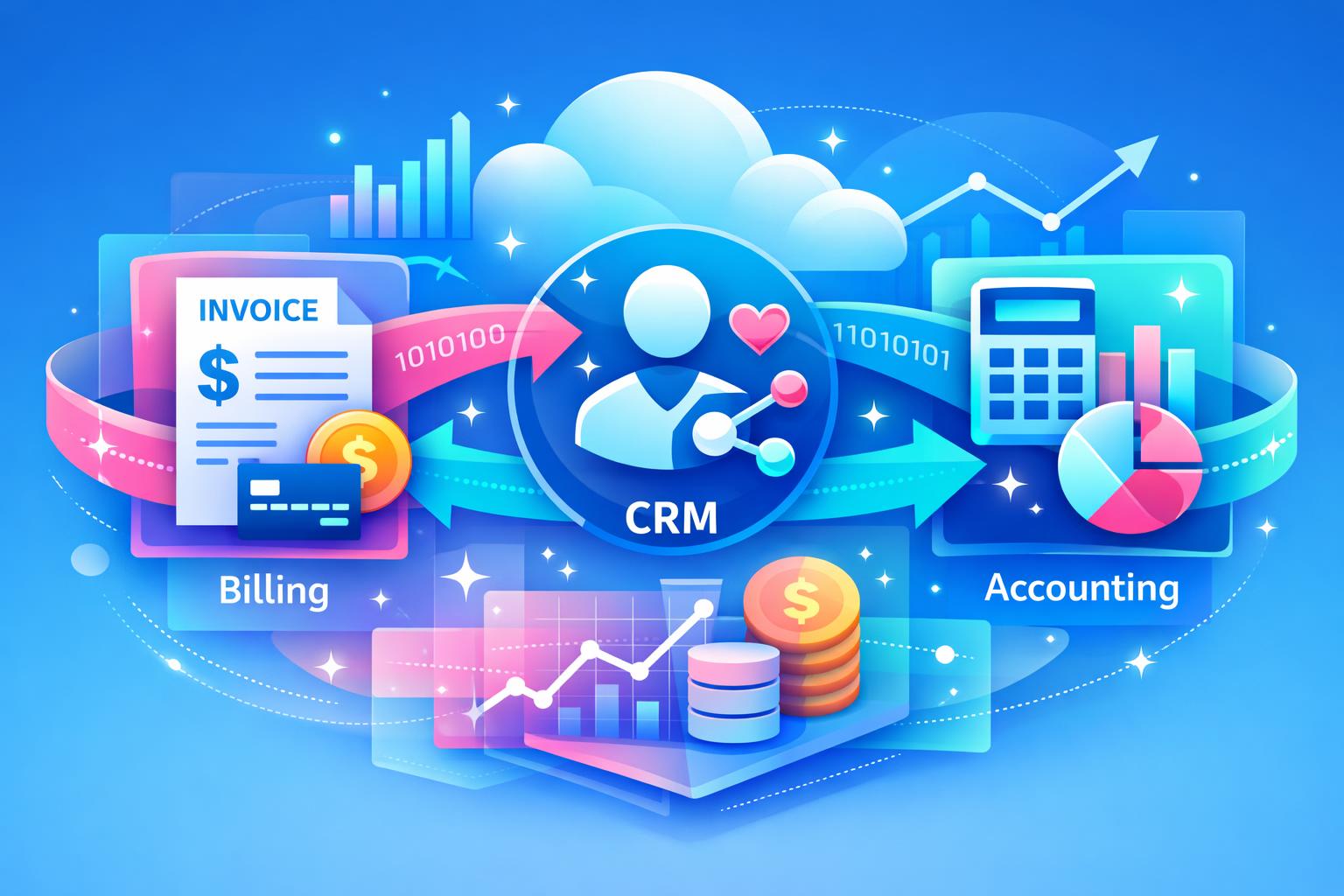
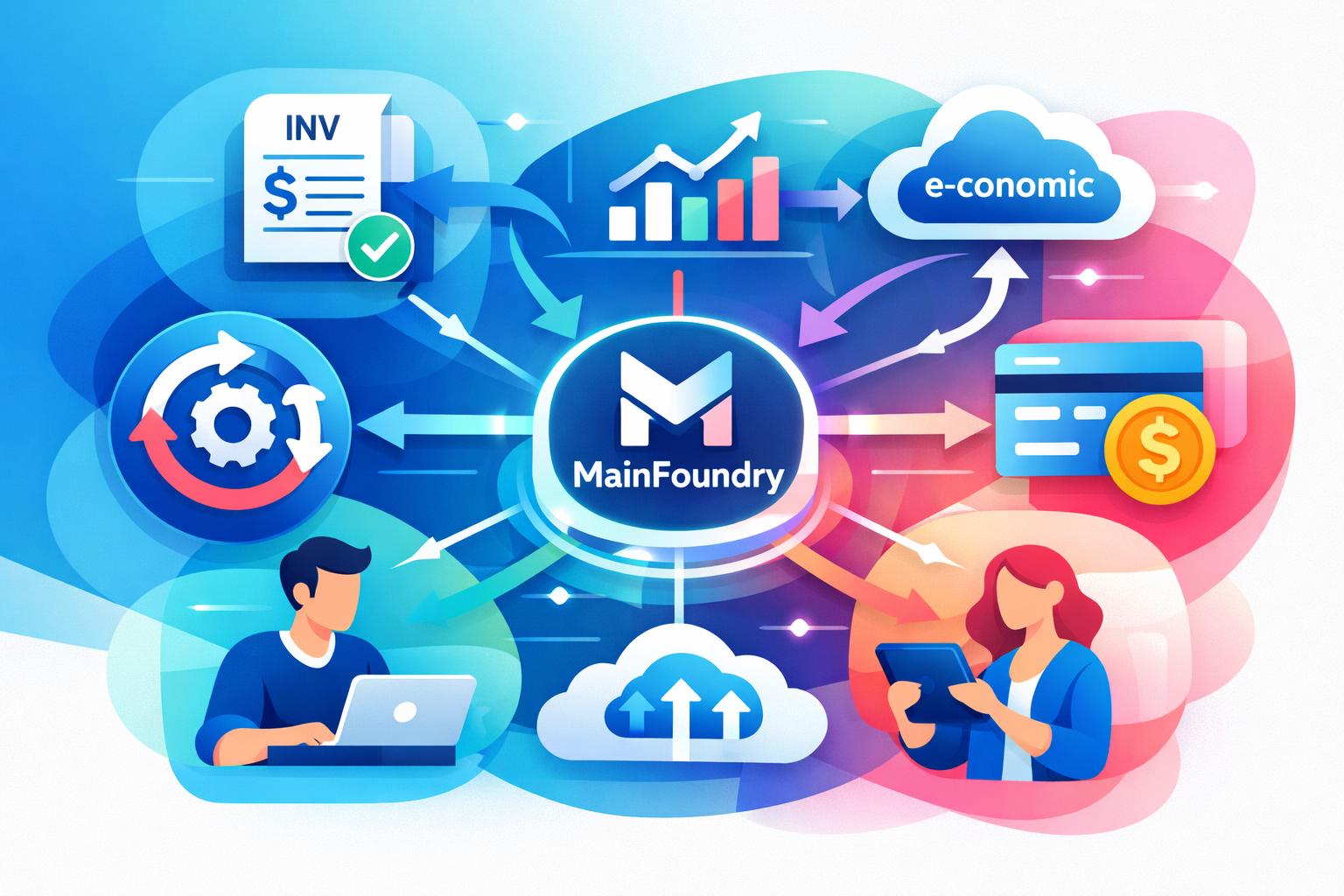
    MainFoundry designs its platform around a single shared data model—CRM, marketing, finance, and custom workspaces all live in the same foundation. There’s no syncing between tools because everything already connects natively. Marketing teams can use marketing analytics and attribution to see how campaigns directly influence deals and revenue instead of guessing which initiative performed best.

    Sales teams view entire customer timelines, combining emails, meetings, and call recordings with deal stages and forecasts. With integrated subscription and billing management, finance can see MRR, renewals, and payment status directly within each customer profile. When someone calls with a question, teams already have the full story.

    Pro Tip: Use flexible custom workspaces to extend unified records into project-specific workflows like onboarding, account planning, or partner reporting—all tied back to the same customer view.

    Behind the scenes, automation and integrations keep everything synchronized while maintaining enterprise-grade protection. MainFoundry’s commitment to security and compliance means teams can centralize sensitive data confidently—visibility without sacrificing trust.

    Key Takeaways

    • A unified customer view transforms fragmented data into actionable insight across every team.
    • Shared context makes decisions faster and customer experiences more cohesive.
    • Consolidation across CRM, marketing, sales, and finance reduces friction as your organization scales.
    • MainFoundry brings all customer interactions together on one secure, intelligent platform.
    • Learn more or reach out at MainFoundry Contact to explore how unified data can propel your growth.

    Related Reading

    Explore how Unified CRM and Contact Management helps teams align data and workflows for lasting efficiency.

  • How to Migrate Multiple Tools to One Platform

    How to Migrate Multiple Tools to One Platform

    Managing a growing business often leads to a patchwork of tools that once seemed helpful but now create delays and confusion. From CRM systems and marketing dashboards to billing software and spreadsheets, the fragmentation slows everything down when scaling. This post explains how to migrate from multiple tools to one platform, guiding you through planning, data preparation, field mapping, phased imports, and team training. Following this approach helps you eliminate complexity and move toward unified operations with confidence.

    How to Migrate From Multiple Tools to One Platform Without Chaos

    The biggest mistake teams make is treating migration as just a technical task. It’s actually an operational shift that changes how people work every day. Before exporting any data, start with a clear audit of your current tools and databases. You’ll likely uncover duplication and outdated records—moving these over “just in case” only recreates existing clutter.

    Once you know what’s valuable, define your target structure. Unified platforms like MainFoundry CRM link companies, contacts, invoices, marketing campaigns, and custom workflows so records stay connected automatically. This helps you decide where each dataset belongs and prevents old silos from returning in new form.

    Establish clear data ownership before starting exports. A migration lead should coordinate exports, validate imports, and be the single point of reference during the rollout. Ownership reduces confusion and keeps the migration accountable from start to finish.

    Prepare extracted data carefully. Export in logical segments such as companies, contacts, and financial records. Clean files to standardize date formats, remove empty columns, and fix inconsistent naming. These small improvements dramatically reduce import errors later. When mapping fields, align each column to its destination in the new platform. In MainFoundry’s CRM workspace, you can create custom fields like renewal dates or lead sources to preserve business-critical information without forcing it into generic text notes.

    Implement imports in phases to minimize disruption. Move company and contact data first, validate relationships, then proceed to financials, marketing events, and tasks. Always perform validation after each batch—spot-checking record accuracy, relationships, and reports. Errors in metrics like revenue or attribution quickly compound if overlooked.

    “Migration isn’t just about moving data—it’s about resetting how teams operate with shared visibility and better workflows.”

    Finally, embed training into the migration plan itself. A unified platform reshapes daily routines. Sales can manage leads and notes together, marketing can connect campaign performance with conversions, and finance can trace invoices directly to customer histories. Using real data during training builds confidence and prevents friction after launch.

    Using MainFoundry as the Destination for a Unified Migration

    MainFoundry works best when you migrate with its connected workflows in mind. For CRM data, all company and contact records include automatic enrichment and unified timelines. Notes, meetings, and interactions live alongside structured data, avoiding fragmentation. Custom fields allow nuanced data migration without awkward workarounds.

    Marketing consolidation often causes hesitation due to lost attribution. The MainFoundry marketing workspace unites campaigns, UTM tracking, conversions, and events into one layer. Import essential attributes such as campaign names, sources, and conversion outcomes instead of every click detail. This keeps historical performance intact while simplifying future reports.

    Finance data should follow CRM records rather than precede them. Through MainFoundry Billing, subscriptions, invoices, and payments remain connected to customers, enabling lifecycle visibility from trial to renewal. Checking MRR and ARR values after import ensures consistency before retiring old accounting systems.

    Custom workspaces add flexibility for data that doesn’t fit obvious categories. Spreadsheets used for onboarding or internal projects can become structured tables in MainFoundry Workspaces. These connect directly to CRM records, making peripheral processes visible in one view rather than hidden in separate tools. Retiring niche systems frees both budget and attention while unifying insight.

    As your team adapts, role-based training using real workflows fosters smoother adoption. Sales, marketing, and finance all benefit from AI-driven guidance via the MainFoundry AI Platform, which answers task-specific questions right in context. This accelerates onboarding and boosts autonomy without intensive documentation.

    Pro Tip: Break migration into five strict phases—planning, exporting and cleaning, field mapping, phased importing with validation, and live training. Don’t skip ahead even if timelines feel tight; discipline prevents expensive corrections later.

    Key Takeaways

    • Start migration with clear planning and data audits—clarity always precedes accuracy.
    • Export only current, relevant data, and clean it before imports begin.
    • Map fields carefully to avoid breaking important reporting structures.
    • Import data in stages, validating thoroughly at each step.
    • Train teams with realistic workflows to build immediate familiarity and trust.

    For teams whose tool stacks feel more fragile than flexible, consolidation offers lasting efficiency. Platforms like MainFoundry unite CRM, marketing, finance, and custom operations in one connected ecosystem—simplifying visibility, collaboration, and decisions.

    Related Reading

    Check out How to Build a Unified CRM Workspace for deeper insights into structured data migrations.

    Ready to consolidate and gain full control of your operations? Explore how MainFoundry supports structured imports and unified workflows, or start a conversation with the team to plan your migration confidently.

  • Audit Your SaaS Tool Stack for Cleaner CRM Data

    Audit Your SaaS Tool Stack for Cleaner CRM Data

    Auditing your SaaS tool stack can feel like trying to untangle a giant knot—every tool, license, and integration somehow connects to half a dozen others. Yet for SaaS founders, regaining control over that sprawl is how you uncover waste, strengthen operations, and prepare for scale. In this guide, you’ll learn a practical framework to audit your stack without chaos—covering visibility, data mapping, and consolidation planning armed with example insights from unified platforms like MainFoundry.

    Building Visibility Through Cataloging and Data Mapping

    A successful audit starts with knowing what you actually have. Every organization accumulates subscriptions and apps at a dizzying pace—from project management tools and CRMs to free-tier analytics platforms that quietly slip into daily workflows. To get full visibility, combine finance and renewal records with department-level feedback. Ask teams to confirm ownership, use cases, user counts, and spend. It’s common to uncover forgotten tools or overlapping contracts that drain hundreds in unseen monthly costs.

    This discovery phase exposes where consolidation can simplify operations. If you find multiple tools handling customer interaction data or separate invoicing and subscription systems, that’s a prime opportunity for an integrated solution. For instance, MainFoundry’s unified CRM environment combines CRM functionality with subscription management, helping teams maintain clear visibility without juggling apps.

    “Visibility into every subscription and workflow uncovers not just costs, but how disconnected systems slow your team’s momentum.”

    Next, map out data flows between tools to highlight bottlenecks. Understand how customer data moves from acquisition through billing to reporting. If people rely on spreadsheets or manual exports to answer straightforward questions, you’ve found integration friction. Consolidating these flows under unified workspaces—such as MainFoundry’s marketing analytics workspace—reduces redundant integrations and makes insights accessible across departments.

    Turning Audit Insights into a Sustainable Consolidation Plan

    Your audit shouldn’t end with a spreadsheet—it should lead to deliberate action. Founders can group tools into three categories: keep or optimize, cut, and replace. Keep heavily adopted, well-integrated tools; cut redundant subscriptions or unused licenses; and replace clusters with platforms that serve multiple operational needs more effectively. This framework balances cost efficiency with organizational continuity, avoiding abrupt disruptions that frustrate teams.

    Founders often uncover thousands in hidden annual costs by auditing inactive users and duplicate subscriptions.

    The replacement layer often brings the most dramatic gains. Instead of juggling separate apps for CRM, campaign tracking, billing, task management, and reporting, unified platforms streamline everything. MainFoundry exemplifies this, integrating CRM, subscription management, and operations into one environment—reducing complexity while improving clarity and execution speed.

    Pro Tip: Assign owners and timelines for each migration or cancellation. Quarterly audits for fast-growing teams keep data consistent and spending optimized year-round.

    Key Takeaways

    • Start with full visibility—including shadow IT and forgotten trials—to ensure nothing slips through your audit.
    • Use data mapping to identify where integrations fail and manual workarounds waste time.
    • Focus consolidation on value and alignment, not just cutting costs or tools indiscriminately.
    • Unified platforms like MainFoundry simplify CRM, marketing, and billing workflows while maintaining performance and flexibility.
    • Schedule recurring check-ins to keep your stack optimized as the company scales.

    Related Reading

    Explore How to Audit Your SaaS Tool Stack Without Chaos for an in-depth walkthrough of auditing frameworks and real-world consolidation examples.

  • Replacing Pipedrive and Stripe Billing in One CRM

    Replacing Pipedrive and Stripe Billing in One CRM

    SaaS teams grow fast—and their tooling often grows even faster. What begins as a simple setup with Pipedrive for sales and Stripe Billing for subscriptions can quietly evolve into a maze of manual work and disconnected systems. This post explores why many teams start researching replacing Pipedrive and Stripe Billing with one tool, how fragmented data slows growth, and how unified platforms like MainFoundry can help by connecting customer, revenue, and marketing data in one seamless system.

    Why Separate CRM and Billing Systems Create Friction as You Scale

    While Pipedrive handles deals effectively and Stripe Billing powers payments, the problem lies in the gap between them. As SaaS teams grow, this gap becomes a source of recurring pain—from inconsistent customer data to missing insights on lifetime value. Even with connectors, syncing issues cause delays, field mismatches, and manual fixes that rarely scale properly.

    Sales teams live in Pipedrive, while finance and operations rely on Stripe. These siloed views create confusion—upgrades, downgrades, or multiple subscriptions often distort the picture of who a “customer” actually is. Over time, confidence in data diminishes because no tool offers the complete story in one place. Even seemingly small differences between records lead to lost hours reconciling data instead of driving growth.

    Attribution also suffers. Marketing teams want to measure which campaigns drive real MRR, but disconnected systems force them to rely on spreadsheets instead of truth. Without native integration between deals and payments, revenue attribution becomes guesswork. The result is fractured insight that can misguide future investment decisions and distort strategy.

    “Disconnected systems don’t just waste time—they quietly erode visibility into what actually drives revenue.”

    The operational overhead is also significant. Maintaining separate permissions, data structures, and reporting tools creates ongoing friction. Simple questions like “Which customers upgraded after talking to sales?” require pulling exports from both systems. This complexity slows analysis and keeps teams from focusing on growth, retention, and expansion opportunities.

    What Changes When You Replace Pipedrive and Stripe Billing With One Tool

    Consolidating CRM and billing isn’t about feature stacking—it’s about rethinking how customer data flows through your entire business. Platforms like MainFoundry reimagine this by linking sales, subscriptions, invoices, and revenue metrics to the same underlying customer record. Once a deal closes, it instantly connects to a subscription, trial, or contract, making billing activity visible across every team without delay.

    With MainFoundry’s unified CRM and finance management, manual reconciliation disappears because deals and subscriptions exist in the same view. Metrics like MRR and ARR reflect actual customer relationships rather than disconnected payment records. When customer success reviews churn, or sales evaluates renewals, everyone operates from the same trusted data foundation.

    Marketing attribution also benefits from integration. Campaign data, demo conversions, and purchases can now be tracked seamlessly from first touch to paid revenue. As seen in MainFoundry’s marketing analytics and attribution, teams can measure precisely what drives growth without complex connectors or inconsistent exports.

    Internally, collaboration changes dramatically. Finance, sales, and operations share one workspace that includes notes, tasks, contracts, and context side by side. With custom business workspaces, teams model renewal cycles or expansion playbooks around actual customers rather than abstract deal records. Even audits and compliance are simplified thanks to unified platform security practices.

  • Inconsistent customer records disappear when all data lives in one model
  • Revenue attribution becomes accurate and immediate, not delayed or manual
  • Reporting and forecasting become faster because metrics no longer need assembly
  • Cross‑team collaboration naturally improves with visibility shared in one system

Key Takeaways

Replacing Pipedrive and Stripe Billing with one unified tool isn’t just a technical upgrade—it’s a transformation in how SaaS teams view customer relationships. By eliminating disconnected systems, you gain clarity, reduce manual work, and base your decisions on complete, trustworthy data.

Related Reading

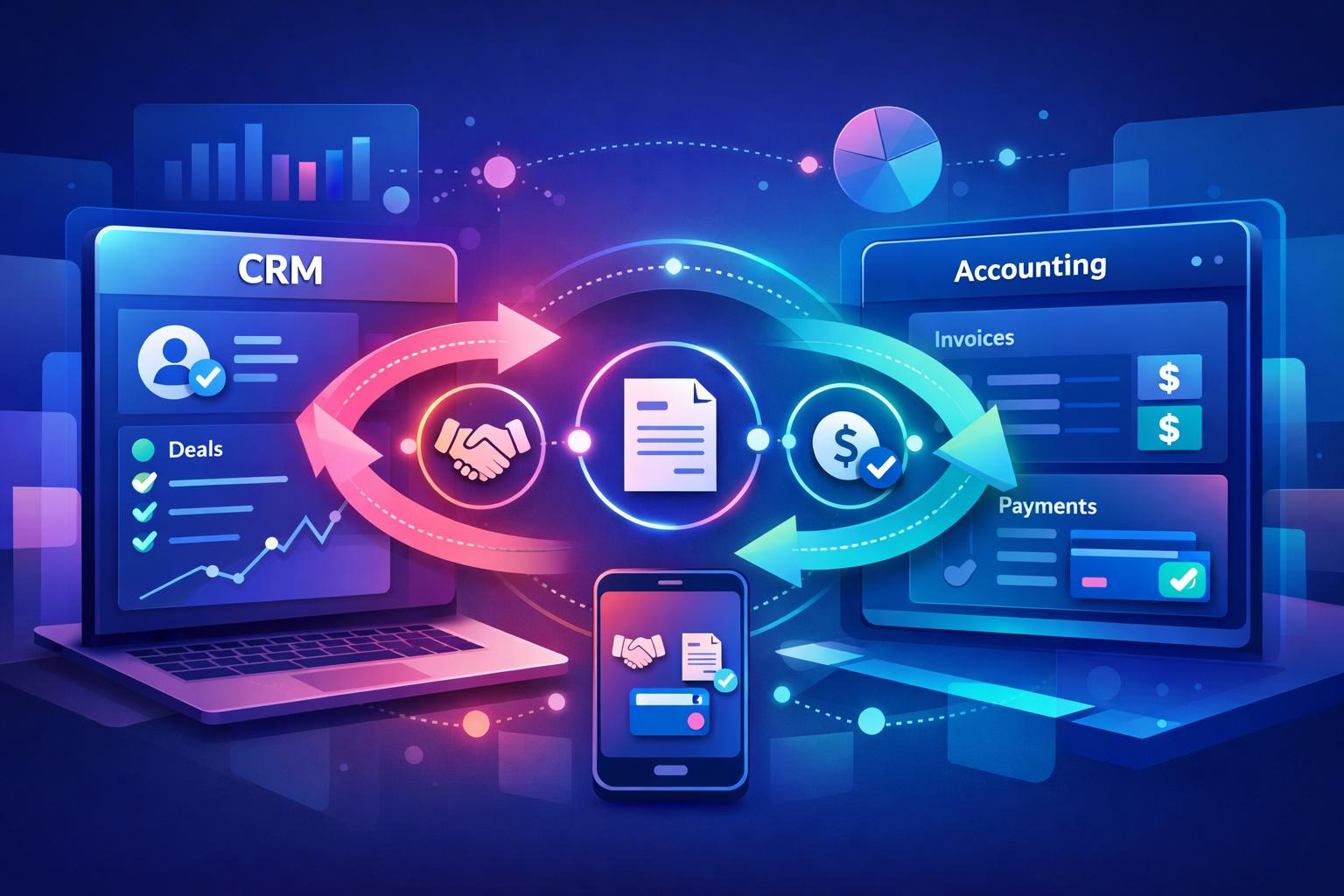
Learn more about creating a unified SaaS data foundation with MainFoundry’s billing management overview or explore CRM setup in the CRM platform guide.

  • Monday.com Alternatives for SaaS Ops Teams

    Monday.com Alternatives for SaaS Ops Teams

    Managing SaaS operations is a unique challenge that demands more than traditional project management tools can offer. As businesses grow, tasks intertwine with customers, subscriptions, billing, and revenue workflows. This is why many teams start searching for Monday.com alternatives for SaaS operations—tools that unify tasks, CRM, and billing instead of forcing teams to toggle between disconnected apps. This post explores where Monday.com falls short for SaaS teams, examines viable alternatives, and reveals how integrated platforms like MainFoundry are redefining operational efficiency.

    Why Monday.com Falls Short for SaaS Operations

    While Monday.com excels at organizing internal projects and visual workflows, it starts to show its limits when applied to SaaS operations. These teams blur the boundaries between project tasks and customer-driven processes. A renewal reminder, for example, relies on real‑time subscription insights; a billing issue must connect directly to invoice data. Monday.com handles such complexity only through multiple integrations, which often create fragmented data and extra maintenance overhead.

    As SaaS companies scale, per‑user pricing and automation thresholds can also constrain growth. Adding finance, customer success, and revops users quickly raises costs. Moreover, since CRM and billing remain separate, operational transparency suffers. Teams lose time reconciling data across tools—time that could be spent refining customer experience. This lack of unified context is the core issue driving SaaS teams to explore alternatives.

    “Effective SaaS operations require tasks, customers, and revenue data to coexist—not just integrate.”

    Exploring Alternatives and the Power of Integration

    Teamwork.com, SwiftCase, ClickUp, and Asana each offer strengths for project tracking, case management, or automation. Teamwork.com supports client billing and profitability models, while SwiftCase specializes in controlled, compliance-driven workflows. ClickUp provides unmatched flexibility for customizing views and automations, and Asana’s structure helps coordinate cross-departmental projects. Yet all depend heavily on integrations to pull in CRM and billing data, making them partial solutions rather than unified systems for SaaS operations.

    In contrast, integrated task, CRM, and billing platforms merge these data streams by design. Tools like MainFoundry embed task management directly into customer and financial workflows. Rather than managing a separate project board, teams assign and track work in the same system where accounts, subscriptions, and invoices live. Tasks automatically align with business outcomes instead of existing in isolation.

    Integrated platforms transform operations by connecting every task directly to revenue, customer context, and financial data.

    With custom operational workspaces in MainFoundry, SaaS companies can model specific workflows—from onboarding to renewals—within one ecosystem. Each action links directly to customer records, enabling teams to monitor performance without juggling software. Automations run on real business events, such as failed payments or renewals, not just task updates, ensuring alignment across finance, success, and sales.

    Pro Tip: When evaluating new tools, look for automation triggers based on business events—not just task changes. This ensures operational alignment at scale.

    To maintain compliance, security, and governance across these unified workspaces, MainFoundry’s platform-level safeguards, outlined in its security architecture, keep customer and financial data centralized without risky integrations or file exports. This simplicity not only reduces errors but also strengthens trust across departments and clients alike.

    Key Takeaways

    • SaaS operations tasks connect directly to customers, subscriptions, and billing events, demanding a unified data layer.
    • Most Monday.com alternatives rely on integrations that still fragment your operational view and increase overhead.
    • Integrated platforms like MainFoundry merge task management with CRM and finance, creating a single source of truth.
    • Teams gain real-time visibility, streamlined automation, and reduced tool maintenance when workflows run inside one ecosystem.
    • Explore how an integrated approach can work in practice by visiting MainFoundry’s contact page to start a conversation about optimizing your SaaS operations.

    Related Reading

    Discover how custom operational workspaces can centralize your team’s collaboration and revenue management in one platform.

  • HubSpot Alternatives for Small SaaS Teams That Stay Lean

    HubSpot Alternatives for Small SaaS Teams That Stay Lean

    For many small SaaS teams, what starts as a simple free CRM with HubSpot often turns into an expensive tangle of pricing tiers, feature gates, and complex setup. The platform’s power is undeniable—but so is its overhead. As lean teams grow, they need something that consolidates sales, marketing, and billing without enterprise bloat. This guide explores the best HubSpot alternatives for small SaaS teams, what makes these tools different, and how integrated platforms like MainFoundry offer a simpler path to scale.

    Why HubSpot Falls Short for Small SaaS Teams

    HubSpot was built for marketing-first organizations, not lean SaaS teams managing end-to-end operations. While its ecosystem is robust, the pricing model often scales faster than actual revenue growth. Once teams need automation, reporting, or multiple users, monthly costs can multiply—long before the business justifies enterprise-grade complexity.

    Additionally, small SaaS companies find themselves stitching together multiple “hubs”: CRM data in one place, billing in another, marketing metrics elsewhere. Integrations help, but they add friction. For a ten-person team, time spent configuring pipelines or syncing contact data is time not spent on product or growth.

    “Lean SaaS teams don’t need enterprise levels of flexibility—they need pragmatic tools that scale with them, not ahead of them.”

    That’s why many early-stage founders begin looking for HubSpot replacements that focus on business essentials: predictable pricing, connected data, and usability that keeps teams aligned rather than overwhelmed.

    What to Look for in Leaner HubSpot Alternatives

    The best HubSpot alternatives for SaaS share a few traits: simplicity, predictability, and native support for recurring revenue. First, pricing should grow with revenue, not headcount. Flat or tiered pricing models remove anxiety around scaling or hiring new team members.

    Second, CRM functionality must link directly to subscriptions and customer value. For SaaS teams, a deal is rarely a one-time event—it’s part of a lifecycle that involves trials, renewals, and potential churn. Platforms that bring these elements together reduce the need for disjointed billing or analytics tools.

    Lastly, marketing automation doesn’t need to be complex. Instead of chasing enterprise-grade features, small SaaS teams benefit from straightforward email campaigns and attribution tools that tie directly into customer data. Integrated CRM and contact management systems help unify these workflows without manual syncing.

    Pro Tip: Choose tools that treat your customer and revenue data as one connected ecosystem. This eliminates dashboards that only tell half the story.

    MainFoundry exemplifies this modern approach. Instead of separating CRM, marketing, and billing, it connects them within a single platform. With marketing analytics and billing data working in sync, teams gain real-time visibility into retention, revenue, and campaign impact—without juggling multiple tools.

    Comparing HubSpot to Modern SaaS-Focused Tools

    When considering alternatives, tools generally fall into a few categories: all-in-one platforms with flat pricing, modular suites with add-ons, lightweight CRMs focused on sales, and SaaS-specific systems that make recurring revenue their foundation. Each serves a purpose—but only one fully bridges the gap between CRM, marketing, and billing.

    • Flat-rate solutions simplify budgeting but may lack deep marketing insight.
    • Sales-first CRMs integrate well but often need external marketing or billing tools.
    • SaaS-specific systems start with subscriptions and lifetime value at the core.

    MainFoundry aligns with the latter. By integrating billing, subscription tracking, and campaign analytics within the same ecosystem, it gives founders clarity on which marketing channels directly impact revenue. This unified visibility turns decision-making from guesswork to actionable insight.

    Key Takeaways

    Selecting the right HubSpot alternative comes down to clarity and connection. Look for pricing that grows with revenue, not headcount. Choose systems where billing, CRM, and marketing share one database. Above all, opt for a platform your whole team can use effectively.

    For founders aiming to simplify their stack and improve visibility across operations, platforms like MainFoundry are worth exploring. They deliver the integration power SaaS teams need—without the complexity of enterprise CRM tools. Learn more at MainFoundry.com or reach out directly to discuss your setup at mainfoundry.com/contact.

  • All‑in‑One vs Best‑of‑Breed SaaS Tools Guide

    All‑in‑One vs Best‑of‑Breed SaaS Tools Guide

    Choosing between all‑in‑one vs best‑of‑breed SaaS tools is one of the most consequential decisions small teams face. Early on, specialized tools feel efficient and flexible. But as your SaaS business grows, juggling multiple systems often creates friction, lost context, and slowed decision‑making. This guide breaks down both approaches to help you identify when it’s time to consolidate, what benefits an integrated stack brings, and how a modern platform like MainFoundry can streamline operations across sales, marketing, and finance.

    Strengths and Trade‑offs: All‑in‑One vs Best‑of‑Breed SaaS Tools

    Best‑of‑breed tools excel by focusing on one job exceptionally well. You might use a single system for CRM, another for marketing analytics, and a third for billing. This approach allows early‑stage teams to stay lean and tailor their stack as they grow. You choose exactly what fits your current needs without paying for unused capabilities.

    However, the gaps between systems can quietly accumulate. As your customer base expands, data becomes scattered—marketing insights sit in one app, deal status in another, and revenue metrics somewhere else. Even with integrations, context gets lost, and simple questions like “Which campaigns drive long‑term revenue?” become spreadsheet puzzles requiring manual reconciliation.

    By contrast, all‑in‑one platforms prioritize a unified data model. Everything from CRM activity and marketing engagement to billing and invoices lives in a shared environment. Platforms such as MainFoundry integrate CRM and contact management, marketing analytics and attribution, and billing operations to provide a complete customer picture in one place.

    Still, these all‑in‑one solutions can’t claim to be best at every feature. For teams with deep or complex requirements—say, highly customized marketing automation or niche compliance workflows—stand‑alone tools can remain beneficial. The key question is not which model is “better,” but which aligns with your current growth stage and operational needs.

    “The real challenge isn’t about choosing the perfect software—it’s about finding the balance between flexibility and shared context.”

    When Consolidation Becomes the Smarter Move

    The push toward consolidation rarely begins with cost reduction—it starts when coordination becomes a priority. Once multiple people manage marketing, sales, and finance, disconnected tools slow communication and obscure visibility into what drives results. Founders often find themselves reconciling conflicting reports across systems rather than steering the business forward.

    A unified platform changes that dynamic. When everyone operates from the same record, tasks become faster and more consistent. For example, within MainFoundry, you can view sales emails, recorded meetings, and invoices in one timeline. This shared visibility reduces internal back‑and‑forth while keeping customer context intact—especially powerful when combined with an AI business platform that draws insights directly from unified data.

    You’ll know it’s time to consolidate when coordination costs start outweighing the benefits of specialization. Tell‑tale signs include duplicated data entry, conflicting metrics, and reliance on manual exports to build accurate reports. If your team uses multiple systems just to understand one customer’s journey, unification can accelerate both clarity and execution.

    • You rely on three or more tools to see a customer’s full history
    • Reporting accuracy depends on manual spreadsheets or scripts
    • Onboarding new hires takes extra time due to fragmented systems

    Modern all‑in‑one solutions are no longer rigid monoliths. Features like custom workspaces in MainFoundry allow teams to model diverse processes—from partnerships to project management—without adding new systems. That adaptability removes the main objection teams once had about consolidation: loss of flexibility.

    Pro Tip: Before consolidating, map where data breaks down or context is lost. This clarity ensures you’re solving the real coordination problem—not just swapping tools.

    Key Takeaways

    The debate around all‑in‑one vs best‑of‑breed SaaS stacks isn’t a matter of right or wrong—it’s about timing. Early on, specialized systems give you control and rapid experimentation. As your company matures, shared context and cohesive reporting start to matter more than individual tool depth. Consolidation then becomes less about cutting costs and more about removing friction in everyday decisions.

    To assess your readiness, identify where duplicate data or inconsistent metrics slow your team down. If inefficiencies cluster around customer visibility and growth measurement, exploring a unified platform such as MainFoundry may represent the next strategic step. You can learn more at mainfoundry.com or start a conversation directly through mainfoundry.com/contact.

  • Hidden Costs of SaaS Tool Sprawl for Growing Teams

    Hidden Costs of SaaS Tool Sprawl for Growing Teams

    Running multiple SaaS tools can feel like progress—a sign that your team is scaling. But the reality is often more complex. The hidden cost of SaaS tool sprawl goes far beyond subscription fees, quietly undermining productivity, data accuracy, and security. This article explores how fragmented software stacks erode efficiency, why consolidation helps, and how all‑in‑one platforms like MainFoundry are helping growing teams reclaim control and scale smarter.

    How the Hidden Costs of SaaS Tool Sprawl Add Up

    At first glance, SaaS costs seem simple—just a list of monthly subscriptions. However, once you account for overlapping tools, unused licenses, and disconnected workflows, the picture changes completely. Many teams underestimate spend because they only review invoices, not the time lost maintaining or reconciling multiple systems.

    Smaller companies may operate a dozen or more tools spanning CRM, marketing, analytics, support, and finance. As organizations grow, those costs balloon into the hundreds of thousands annually—with much of that spend wasted on underused software. Meanwhile, engineering and operations teams lose hours each week maintaining brittle integrations or cleaning up data mismatches.

    “Every additional tool introduces friction—from integration overhead and duplicate data to lost productivity and mounting security risk.”

    When data lives in separate silos, reporting becomes a weekly headache. Teams manually export CRM insights, marketing results, and revenue metrics into spreadsheets just to get a unified view. This effort rarely shows up in software budgets, yet it drains resources and delays decisions. Add context switching—jumping between systems with different logins and terminology—and productivity takes another hit. Over time, employees spend more energy managing tools than delivering value to customers.

    Beyond inefficiency, sprawl also compromises security. Unapproved or “shadow IT” tools can slip into workflows without proper oversight, complicating user offboarding and data governance. Disconnected tools multiply potential entry points for vulnerabilities and compliance exposure, raising the hidden operational risk of tool sprawl.

    Why Consolidating Tools Reduces SaaS Sprawl Risk

    Consolidation isn’t just about cutting costs—it’s about eliminating the root causes of inefficiency. When teams operate within a unified system, workflows align, data stays consistent, and duplicate costs vanish. Platforms like MainFoundry bring CRM, marketing, and finance into one environment, making it easier to create full‑funnel visibility without relying on brittle integrations.

    Unified data means updates synchronize automatically, giving teams a single, reliable source of truth. New hires learn one consistent system instead of juggling several specialized apps, reducing ramp time and dependency on tribal knowledge. This consistency directly improves collaboration because every department—from marketing to finance—shares the same data context.

    Pro Tip: Evaluate your current stack by measuring not just cost per license, but the time spent maintaining integrations, cleaning data, and switching contexts. These hidden hours often double the true cost of your SaaS ecosystem.

    AI extends these consolidation benefits further. When built inside a unified platform, integrated AI can instantly surface insights, trends, and next steps without requiring data exports or manual reconciliation. That’s a major difference from layering AI across disconnected systems that can’t share context or structure.

    Additionally, fewer tools mean fewer security gaps. Centralized access controls and consistent audit trails simplify compliance, offboarding, and permissions, while freeing IT from chasing down disconnected accounts or outdated credentials. The end result is a leaner, safer, and more transparent operational ecosystem.

    Key Takeaways

    • The hidden costs of SaaS sprawl often outweigh visible subscription fees once integration, reporting, and productivity losses are factored in.
    • Disconnected systems drive data errors, context switching, and security vulnerabilities that slow growth.
    • Consolidating CRM, marketing, and finance into one platform streamlines workflows and improves scalability.
    • All‑in‑one systems like MainFoundry help teams regain visibility, efficiency, and focus while reducing security risk.

    If your stack feels heavier with each quarter, consolidation isn’t about cutting corners—it’s about creating clarity. Explore a platform that integrates CRM, analytics, and finance in one environment to simplify operations and scale without friction. Start by connecting with the MainFoundry team to see how unified workflows can transform growth.

  • SaaS Tool Stack Consolidation for Small Teams

    SaaS Tool Stack Consolidation for Small Teams

    For many small SaaS teams, growth happens fast—and often without an intentional plan for the tools supporting it. What starts as a flexible mix of apps can quickly evolve into an unwieldy stack of overlapping software, redundant features, and rising costs. This post explores why SaaS tool stack consolidation is accelerating for small teams, how disjointed systems harm productivity, and the practical steps to streamline your tools without slowing momentum.

    You’ll learn what hidden costs drive teams to consolidate, what modern integrated platforms like MainFoundry offer, and how to evaluate tools strategically to regain clarity and control of your operations.

    Why Small Teams Are Moving Toward SaaS Tool Stack Consolidation

    In companies of 2–50 people, tech stacks often grow reactively. A new tool for CRM, another for marketing automation, something else for analytics—until every workflow requires switching apps. Over time, these patchwork systems create drag. The perceived flexibility becomes complexity that slows execution and clouds operational visibility.

    Beyond visible subscription costs, the real issue lies in the hidden waste. Small teams frequently pay for licenses that go unused or duplicate features across multiple applications. Managing logins, integrations, and permission settings further consumes bandwidth that teams can’t spare. The less coordinated the stack, the higher the cognitive overhead for employees who must keep switching contexts just to get basic work done.

    “The cumulative effect of tool overload isn’t obvious until efficiency quietly erodes behind the scenes.”

    Disconnected systems also fragment data. Important questions—like which campaigns truly influence revenue or why churn spiked—become difficult to answer when information lives in silos. As data clarity fades, decision-making slows, and accountability weakens. Consolidation becomes less about simplicity and more about restoring insight, reducing friction, and maintaining security across a lean team footprint.

    How to Consolidate Tools Without Slowing the Business

    Effective consolidation starts with mapping how work really happens. Audit every app across sales, marketing, finance, and operations, noting where usage overlaps or drops off. You’ll likely discover tools that once felt essential but now sit idle or serve only partial functionality. This clarity sets the stage for informed decisions about what stays and what integrates.

    The goal isn’t to remove tools blindly—it’s to identify where a single platform can replace multiple point solutions. For instance, rather than juggling separate systems for CRM, invoicing, and analytics, many teams are turning toward unified platforms. Solutions like MainFoundry connect CRM, marketing analytics, and billing in one environment. This integrated approach creates shared data and consistent workflows, giving teams a full picture of performance without complex integrations.

    User adoption also matters. An all-in-one platform only drives results if people love using it. Small teams should emphasize ease of use, intuitive design, and collaboration-friendly workflows. AI-guided experiences—like MainFoundry’s AI platform—can reduce onboarding friction and accelerate adoption by providing contextual help as users adjust to new processes.

    Pro Tip: Prioritize platforms that connect sales, marketing, and revenue data natively—this eliminates the need for costly integrations and provides real-time visibility across the customer journey.

    • Audit and map your current software usage to identify redundancy
    • Seek integrated platforms that natively unify CRM, billing, and analytics
    • Focus on user adoption and onboarding to ensure long-term success

    Key Takeaways

    For small SaaS companies, consolidation isn’t about austerity—it’s about performance. Simplifying your stack reduces friction, improves visibility, and strengthens data integrity. By aligning critical systems under a unified platform such as MainFoundry, teams can operate with the efficiency and insight of larger organizations, without sacrificing agility.

    If your current stack feels heavier each quarter, now is the time to reevaluate. Start by identifying overlapping tools, explore integrated alternatives, and create a roadmap for a single, scalable foundation. To learn more about how unified platforms can streamline operations and empower growth, visit MainFoundry’s contact page.

    Related Reading

    Explore how to optimize SaaS productivity with minimal tools in this related guide on SaaS operations streamlining.

  • Beregn kundens livstidsværdi i SaaS uden gæt

    Beregn kundens livstidsværdi i SaaS uden gæt

    I SaaS-verdenen er kundens livstidsværdi (LTV) mere end bare et finansielt nøgletal – det er et styringsværktøj, der former alt fra marketing til produktudvikling. Når LTV beregnes korrekt, bliver det et strategisk kompas, der viser, hvilke kunder og kanaler der skaber varig værdi. Denne guide gennemgår, hvordan du i praksis beregner LTV, kobler det til CAC, og bruger tallene aktivt til at træffe bedre vækstbeslutninger. Vi tager udgangspunkt i eksempler fra SaaS og ser på, hvordan automatiseret datamåling, som i MainFoundrys finansmodul, kan gøre din virksomhed mere datadrevet.

    Hvad betyder kundens livstidsværdi – og hvorfor er den afgørende i SaaS?

    I abonnementsbaserede forretninger som SaaS viser kundens livstidsværdi, hvor meget en kunde i gennemsnit bidrager med i omsætning over hele relationen. Fordi indtægterne fordeles over tid, kan små ændringer i churn eller prisstruktur få dramatisk effekt på bundlinjen. LTV bruges derfor til at afgøre, hvor meget du kan betale for at erhverve en ny kunde, og hvilke segmenter der reelt er rentable.

    I praksis hænger LTV tæt sammen med MRR, ARR og churn-rate. Når disse tal lever i hver deres system, mister LTV værdi som beslutningsværktøj. Mange SaaS-teams vælger derfor at samle fakturering, abonnementer og churn-data ét sted i et modul som MainFoundrys finanssystem, der automatisk kobler MRR- og churn-tal og gør LTV mere handlingsorienteret.

    “LTV bliver først værdifuldt, når det bruges som dynamisk styringsværktøj på tværs af salg, marketing og produkt.”

    Praktiske metoder til at beregne LTV i SaaS

    Der findes mange måder at beregne LTV på, afhængigt af datadækning og forretningsmodel. Den mest simple tilgang multiplicerer den gennemsnitlige månedlige omsætning med kundens gennemsnitlige levetid. For eksempel giver 3.000 kr. i MRR og 18 måneders retention en LTV på 54.000 kr. Enkelt, men ofte for statisk til modne SaaS-forretninger.

    En mere præcis metode tager udgangspunkt i churn-raten og dividerer den månedlige omsætning pr. kunde med churn-procenten. Hvis churn er 4 %, estimeres kundens levetid til ca. 25 måneder. Denne tilgang tager højde for dynamiske ændringer, men kræver stabile churn-tal. Du kan øge nøjagtigheden yderligere ved at justere for bruttomarginen, så du kun regner med den indtjening, der bliver tilbage efter direkte omkostninger.

    Når LTV beregnes automatisk ud fra aktuelle churn- og MRR-data, bliver tallet et levende billede af virksomhedens reelle værdi per kunde.

    På avanceret niveau kan LTV beregnes pr. segment eller kohorte. Enterprise-kunder med lav churn og høj margin har ofte flere gange højere livstidsværdi end self-serve SMB-kunder. Her er automatiserede dashboards ideelle, da de viser, hvordan kundeværdier udvikler sig i realtid og gør det muligt at reagere hurtigt på churn-trends.

    Sådan bruger du LTV:CAC-forholdet til at styre vækst

    At kende din LTV er kun halvdelen af ligningen – den fulde indsigt får du gennem LTV:CAC-forholdet. Dette nøgletal viser, om dine kundeanskaffelsesomkostninger (CAC) er proportionale med den værdi, kunderne skaber over tid. Som rettesnor bør LTV være mindst tre gange CAC for at sikre sund vækst og tilstrækkelig margin til marketing og produktudvikling.

    Når forholdet er for lavt, tyder det på ineffektiv kundeanskaffelse eller høj churn. Et meget højt forhold kan dog også signalere, at du investerer for forsigtigt og går glip af markedsandele. Den bedste praksis er at analysere LTV:CAC pr. kanal eller segment, så du ved præcis, hvor dine investerede midler giver størst afkast.

    • Vurder om LTV:CAC er høj nok til at skalere marketingindsatsen
    • Identificer segmenter med reel rentabilitet frem for blot omsætning
    • Sæt indsats ind, hvor retention og kontraktforlængelser skaber maksimal effekt

    Pro Tip: Saml dine churn-, CAC- og MRR-data i ét system, så relationen mellem LTV og CAC kan følges i realtid – det er her du opdager skjulte vækstmuligheder.

    Vigtige takeaways og næste skridt

    For at bruge kundens livstidsværdi aktivt i din SaaS-forretning, skal du se tallet som levende og dynamisk – ikke som et fast gennemsnit i et regneark. Beregn LTV konsekvent, koble det til CAC og opdel det på relevante segmenter, så du får et datadrevet grundlag for vækst.

    • LTV skal opdateres løbende og afspejle churn, margin og opgraderingsadfærd
    • Segmentér dine kunder for at finde de mest rentable grupper
    • Brug værktøjer som MainFoundrys finansmodul til at samle data og automatisere beregninger
    • Se LTV som et kompas for bæredygtig vækst – ikke bare et præsentationstal for investorer

    Related Reading

    Læs også vores artikel om sådan optimerer du din churn-rate i SaaS for at styrke din livstidsværdi yderligere.